
Course
ARTD 218: Graphic Design Foundations Back to Teaching
Fundamentals
This course helps students connect design principles, software fluency, concept development, and critique. Assignments move from sketch into software tools, so as to resolve brand identity, page layout, and early web design thinking.

Institution
Northern Michigan UniversityLevel
Introductory graphic designPrimary tools
Illustrator, Photoshop, InDesign, HTML/CSSCourse logic
From basic tools to visual decisions.
The course uses industry software, along with the development of their own craft, as a way into larger design thinking. Students learn that hierarchy, color, composition, gestalt, typography, and audience are not separate topics; they work together to inform each project.
Process and Tools
Students build technical confidence while learning how to manage file organization, sketches, drafts, and software decisions.
Concept and Audience
Assignments ask students to connect visual choices to a brief, a theme, and a target audience rather than treating form as decoration alone.
Visual Judgment
Composition, hierarchy, color, gestalt, typography, and craft are introduced as decisions that can be named, critiqued, revised, and improved.
Assignment sequence
A scaffolded path through making.
The assignments build from formal structure into identity, layout, and both screen and print-based thinking. Each project asks students to show process, make a draft, receive feedback, and refine toward a final set of deliverables.
01
Vector and theme
Monopolize
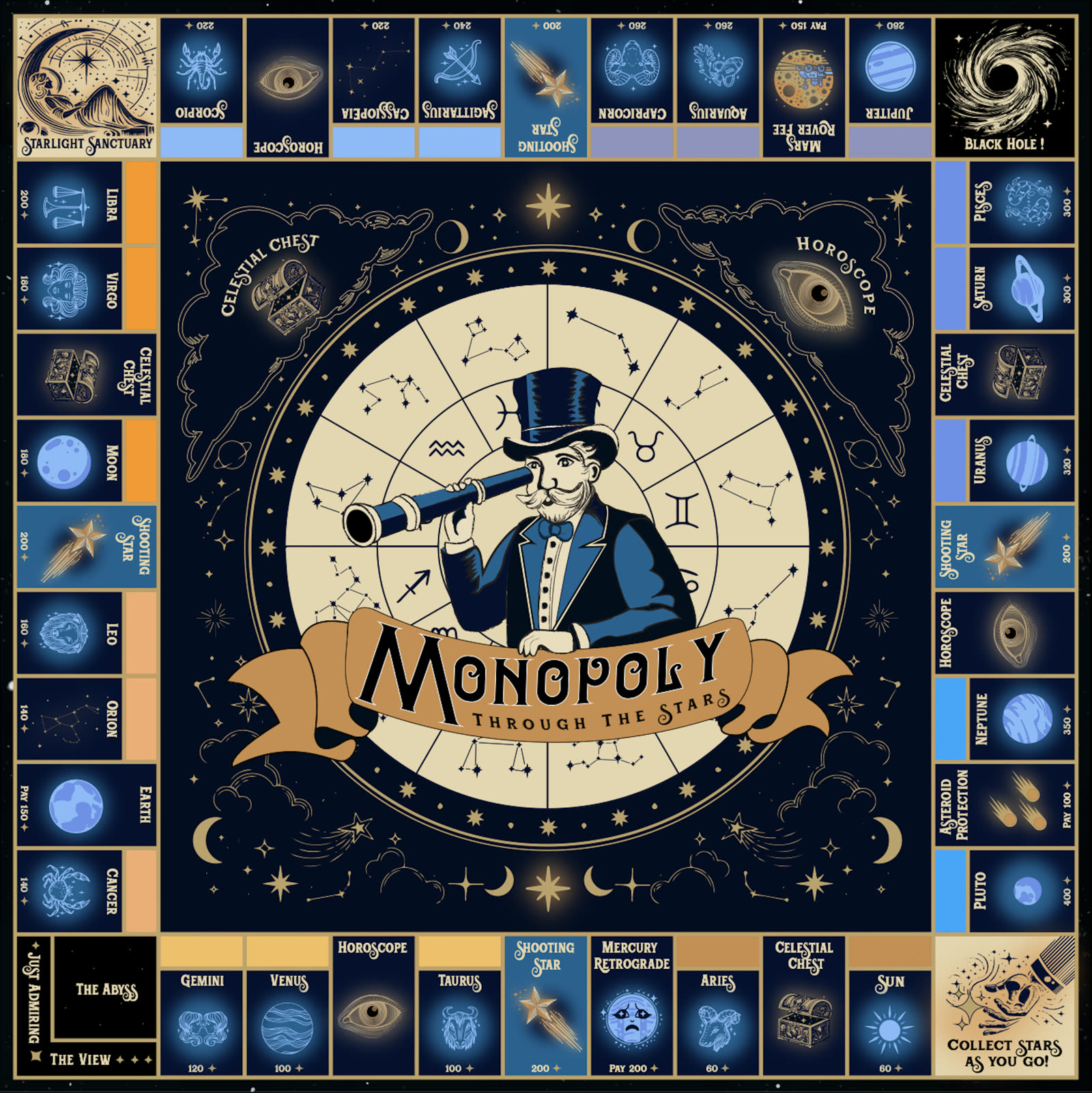
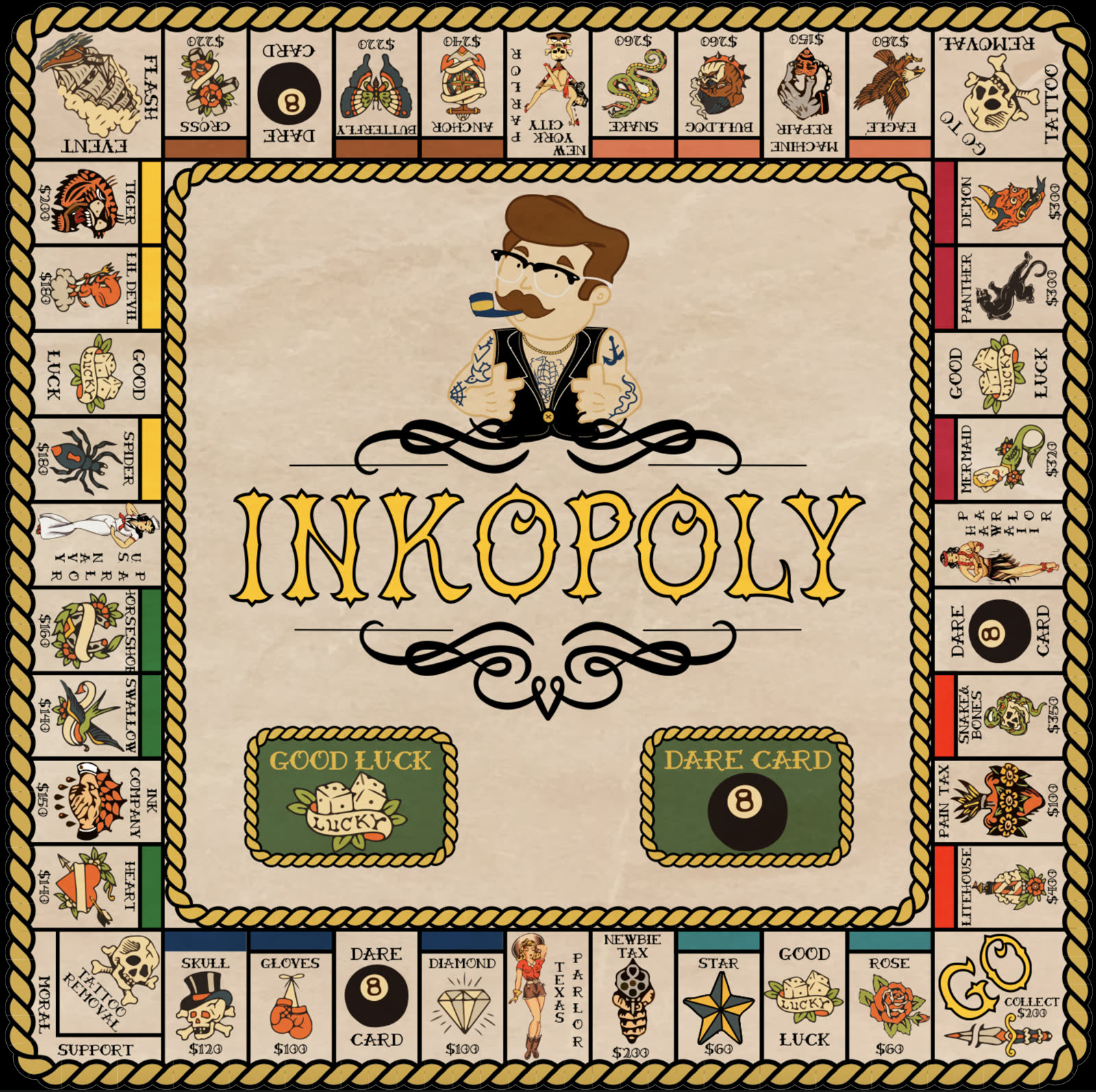
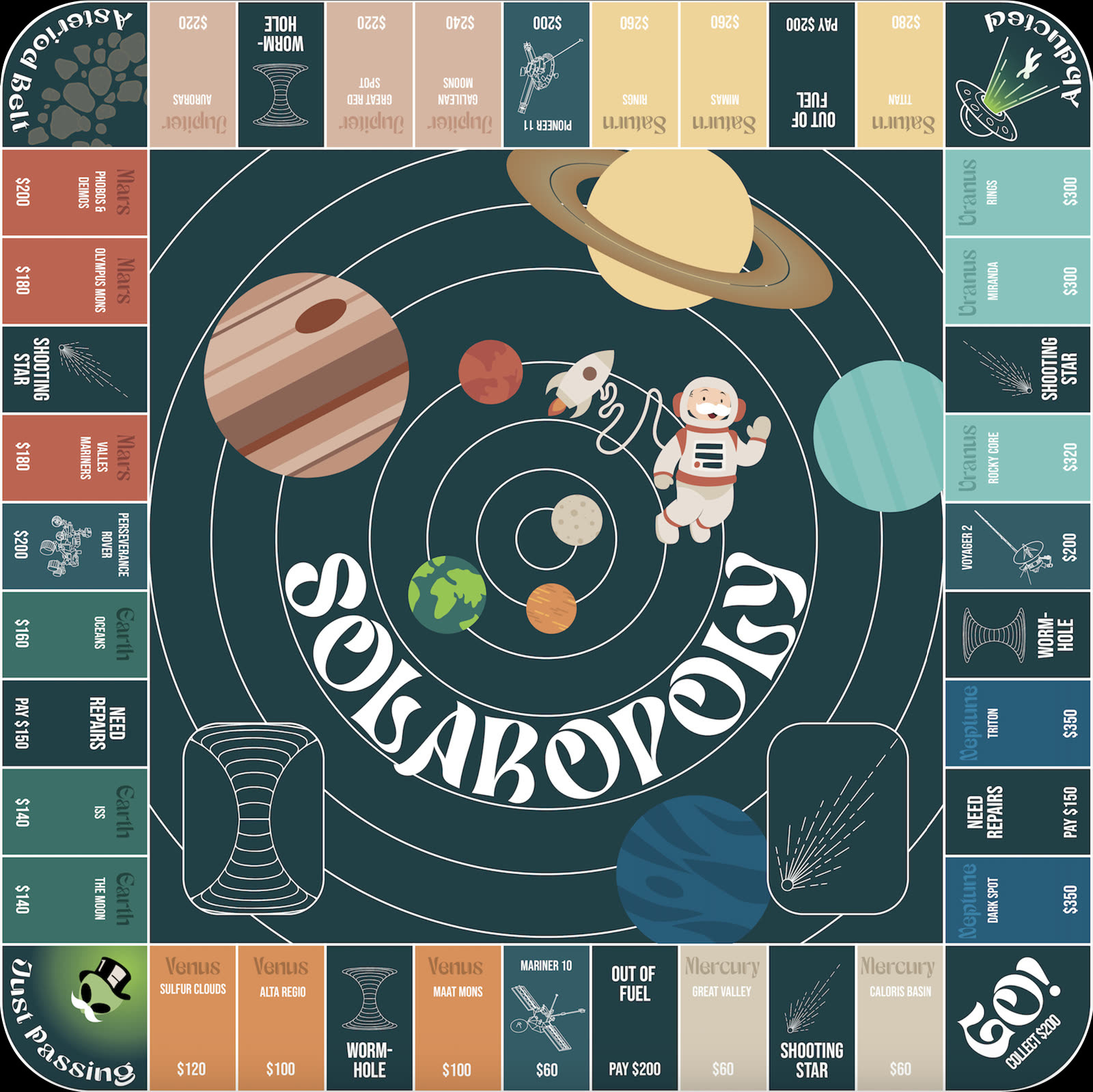
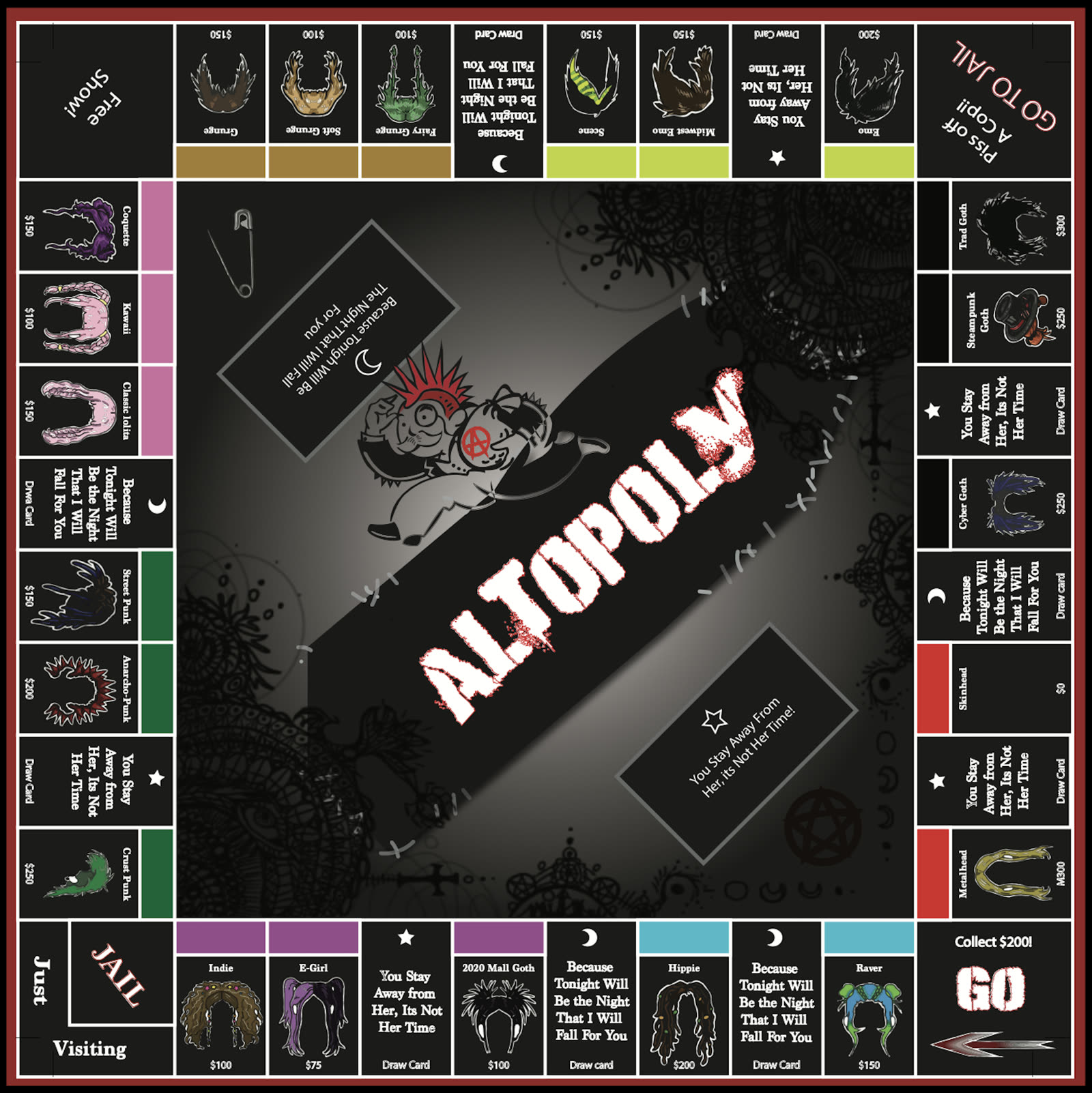
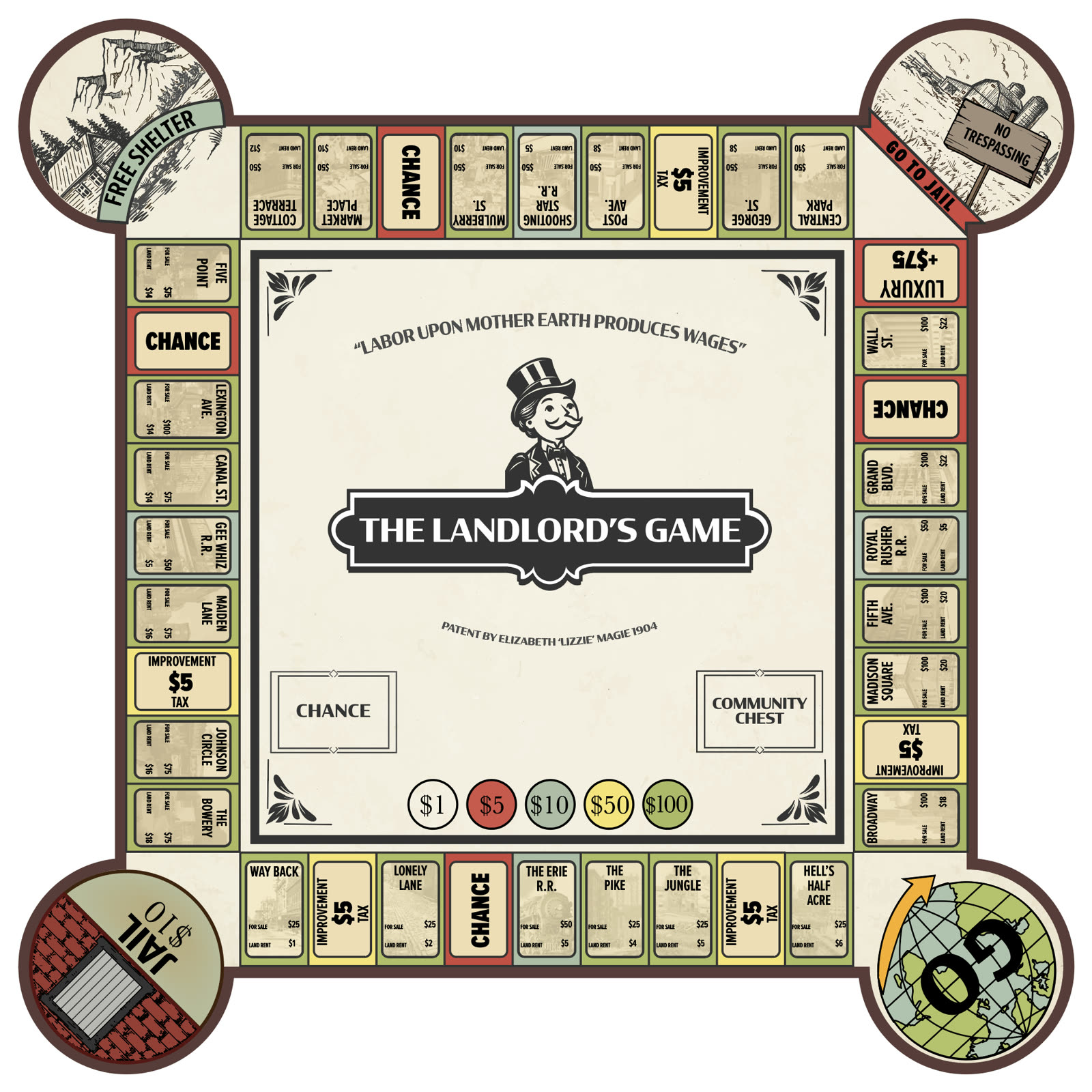
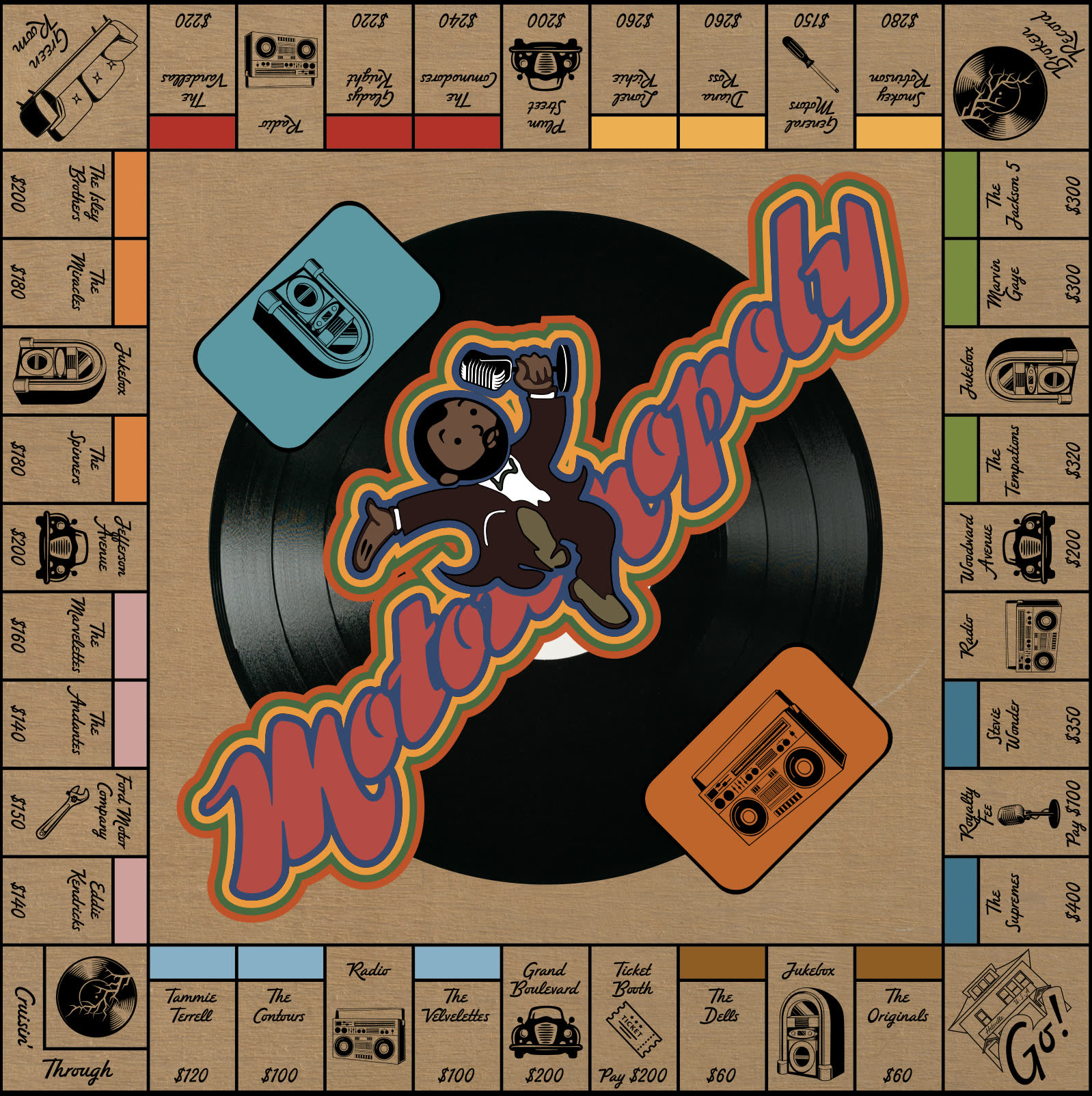
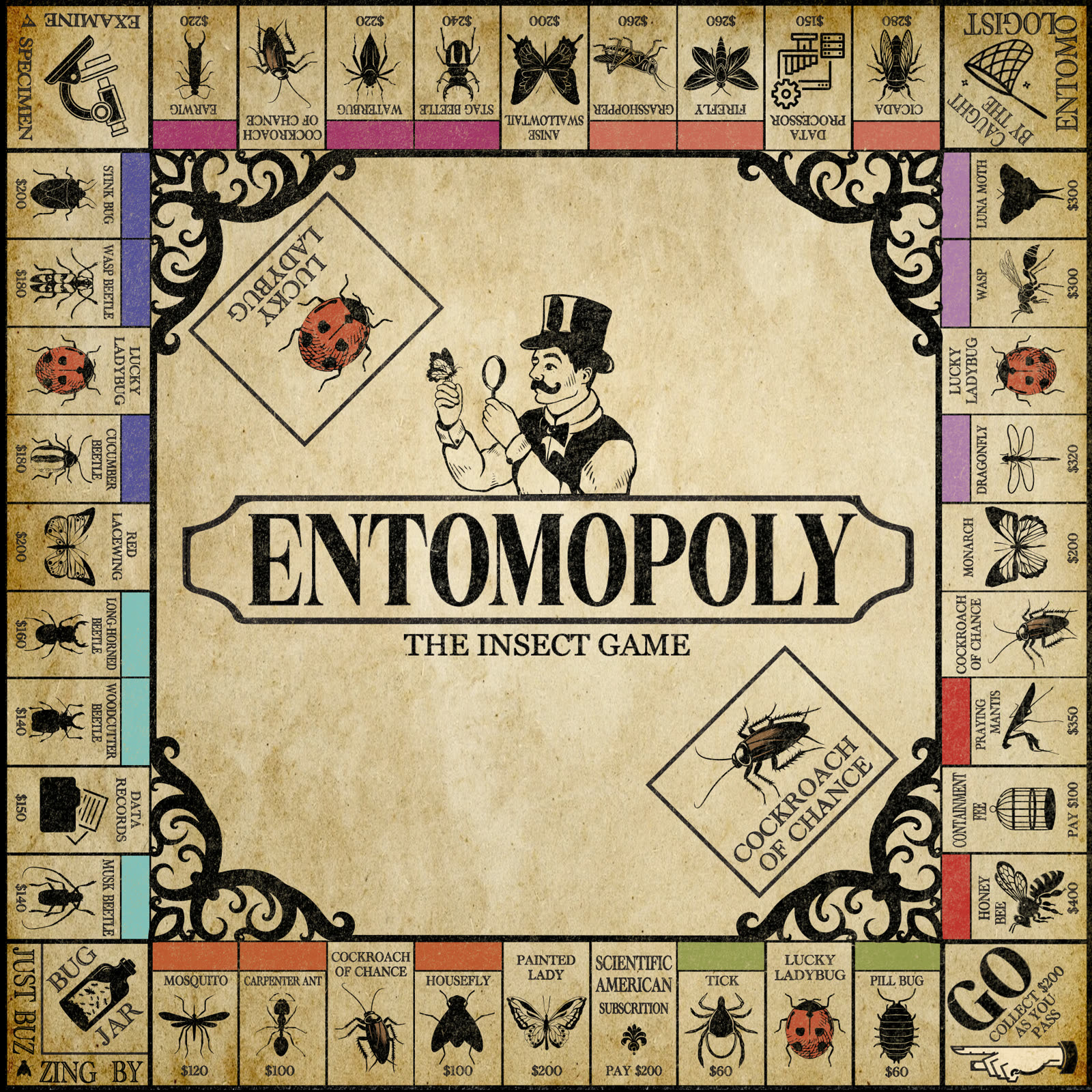
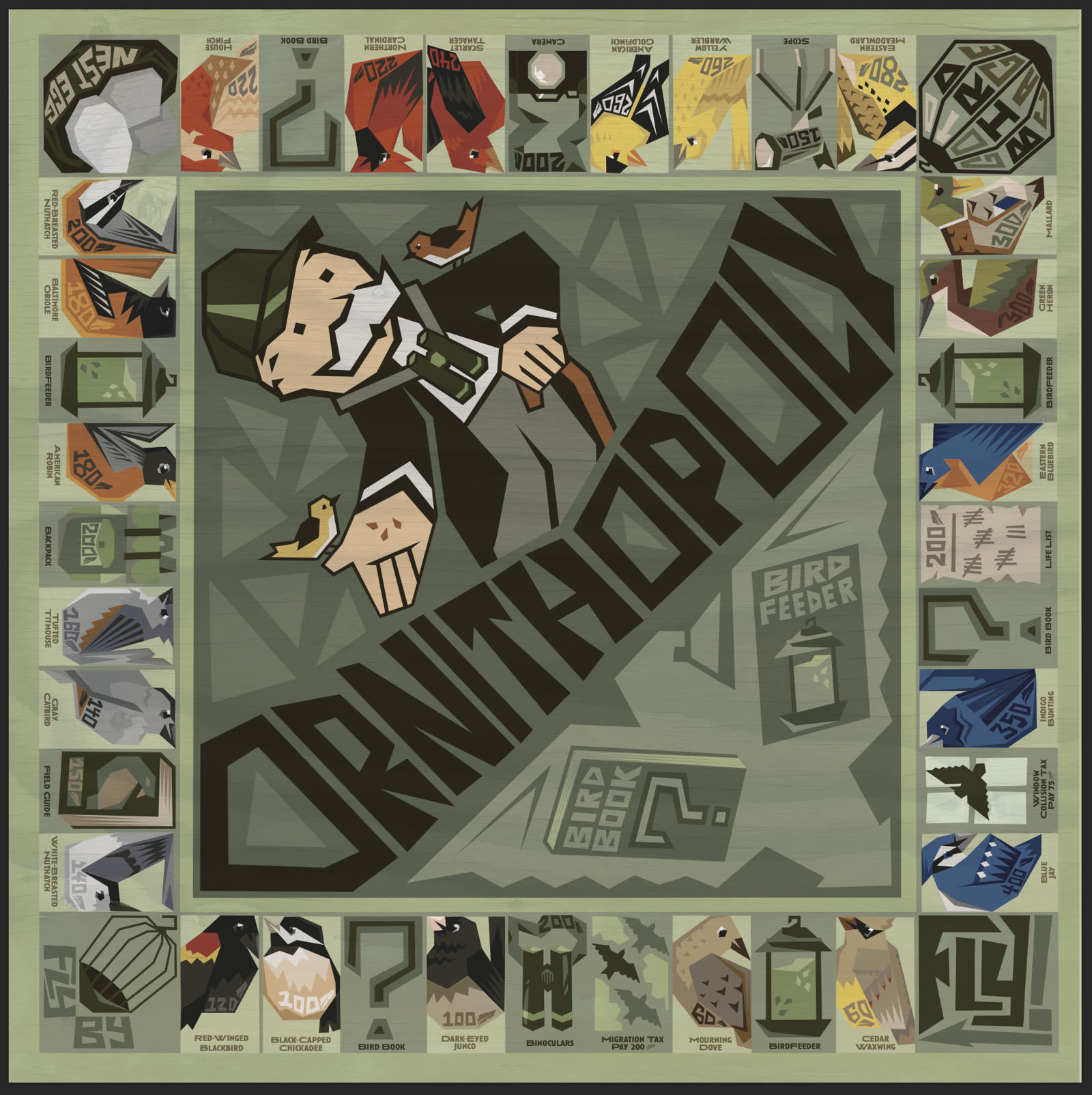
Students redesign the logic of a Monopoly board around a chosen theme. The assignment uses Illustrator practice, concept development, sketching, first drafts, and critique to connect structure, typography, imagery, and vector craft.
Selected outcomes
02
Logo, pattern, mockup, poster
Brand Identity
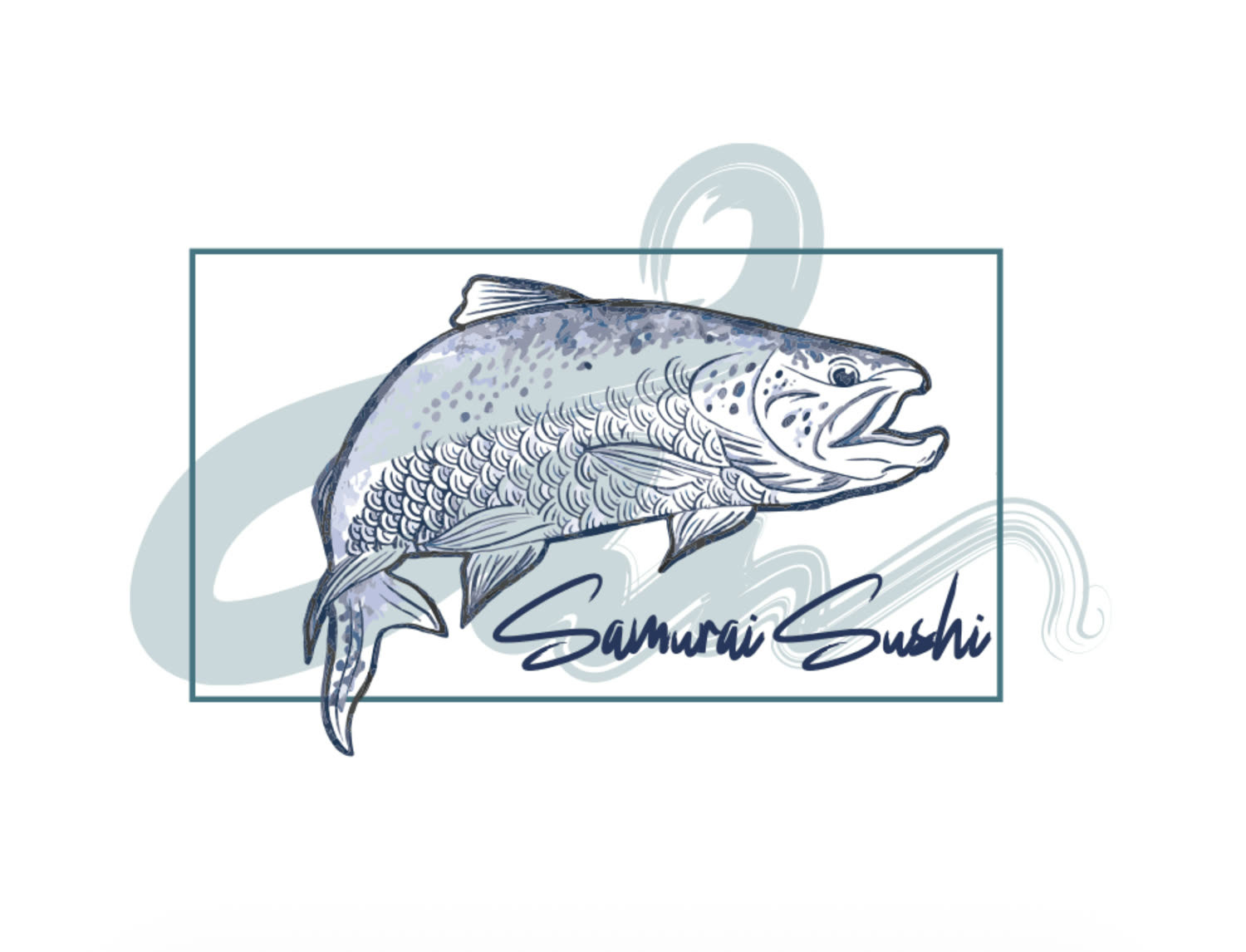
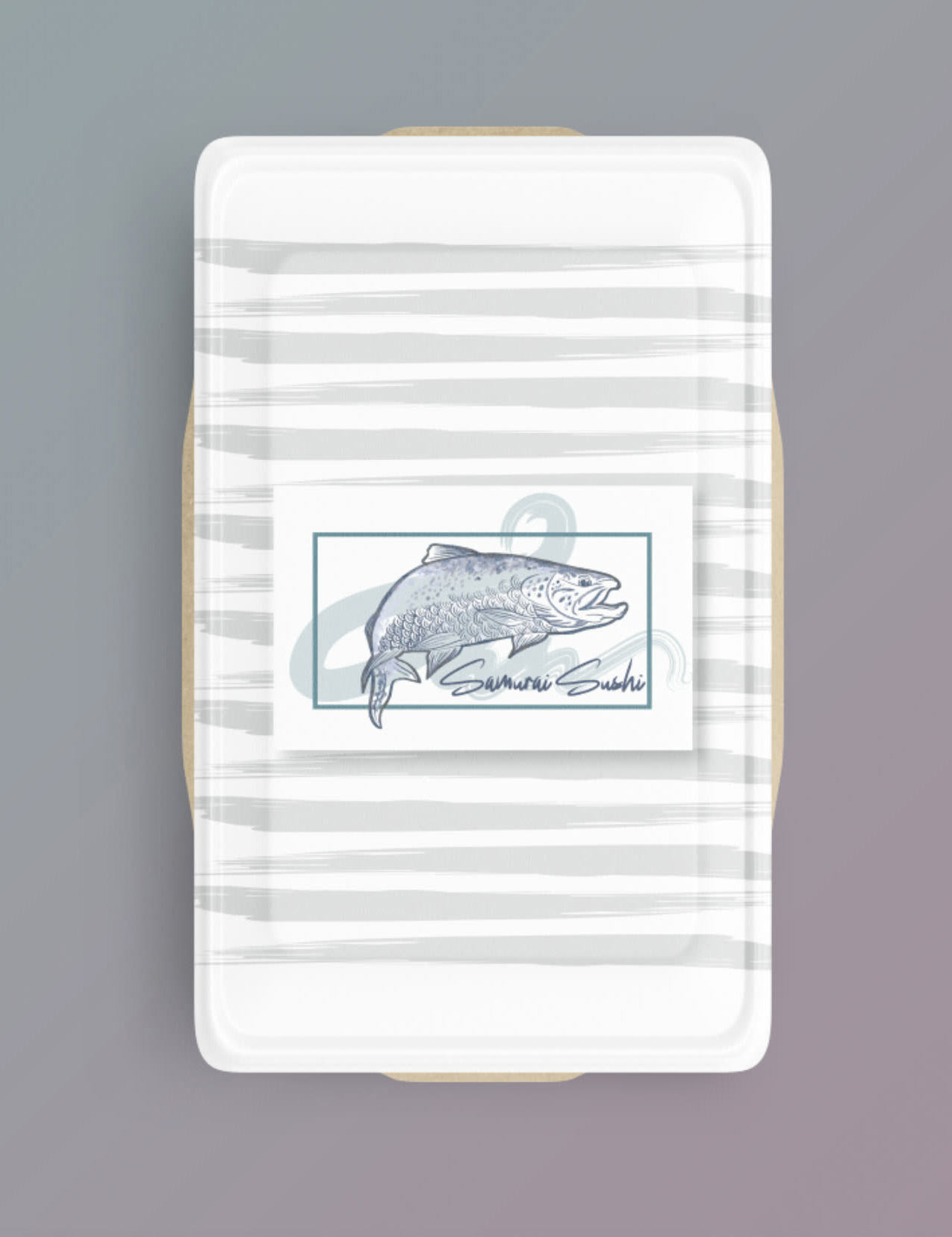
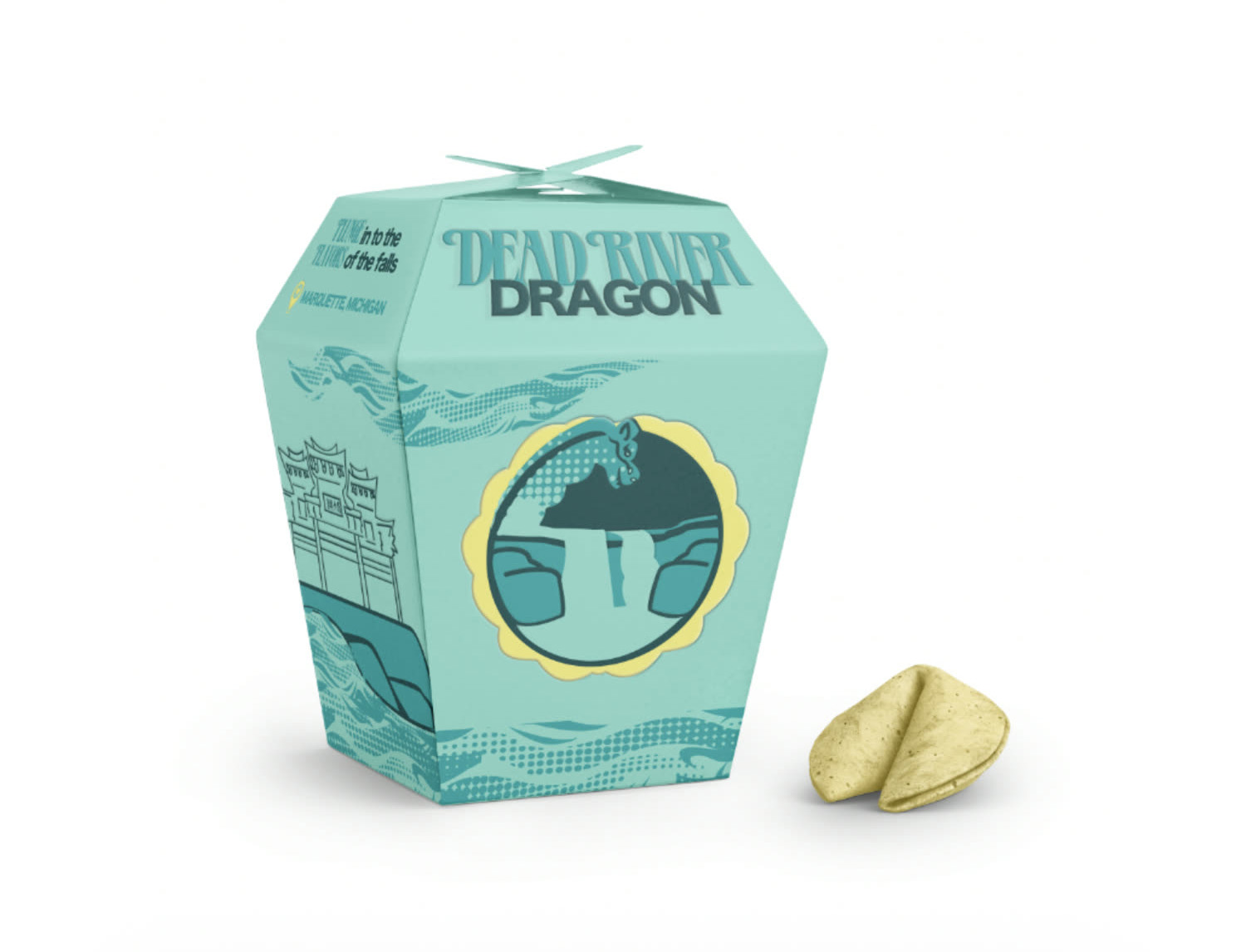
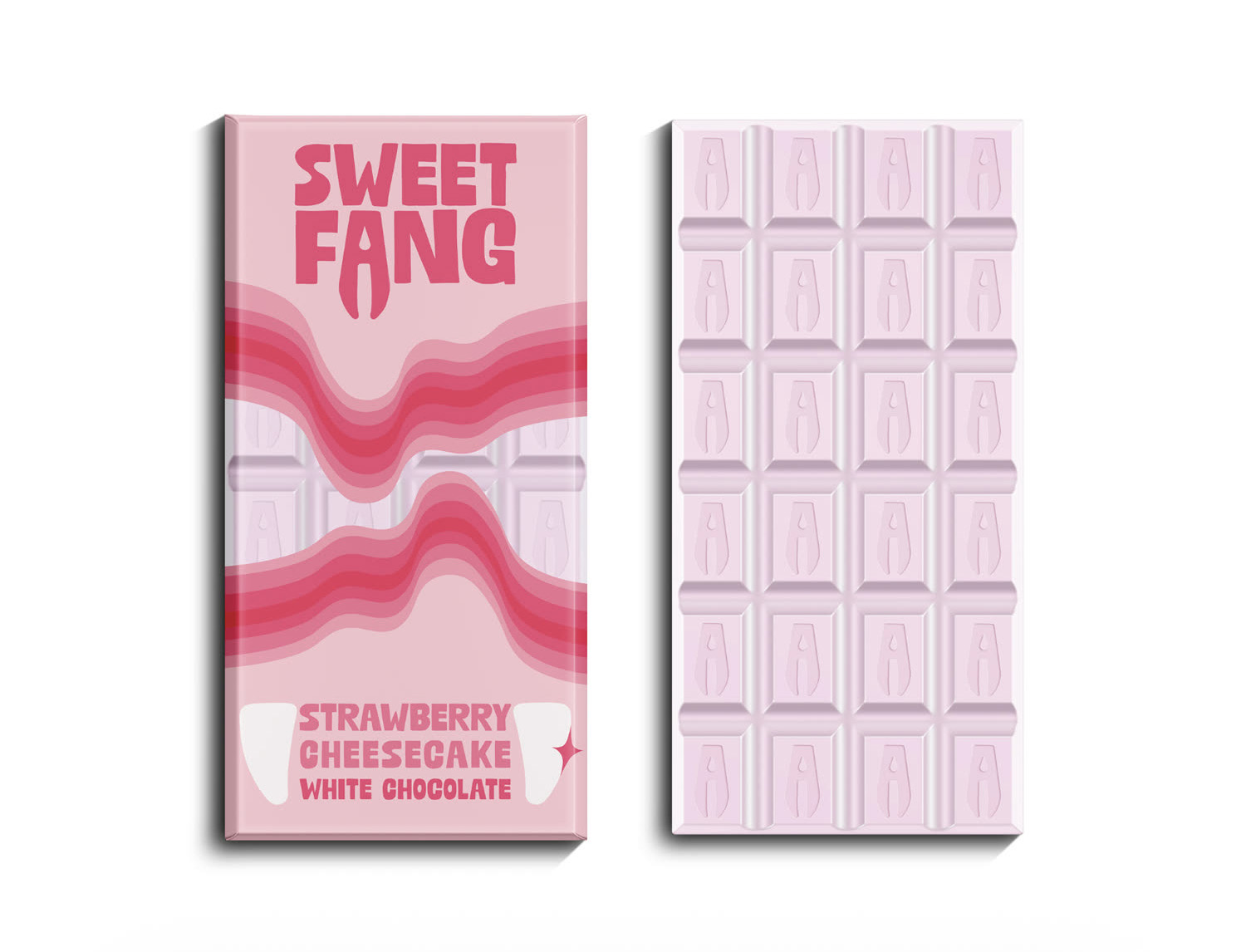
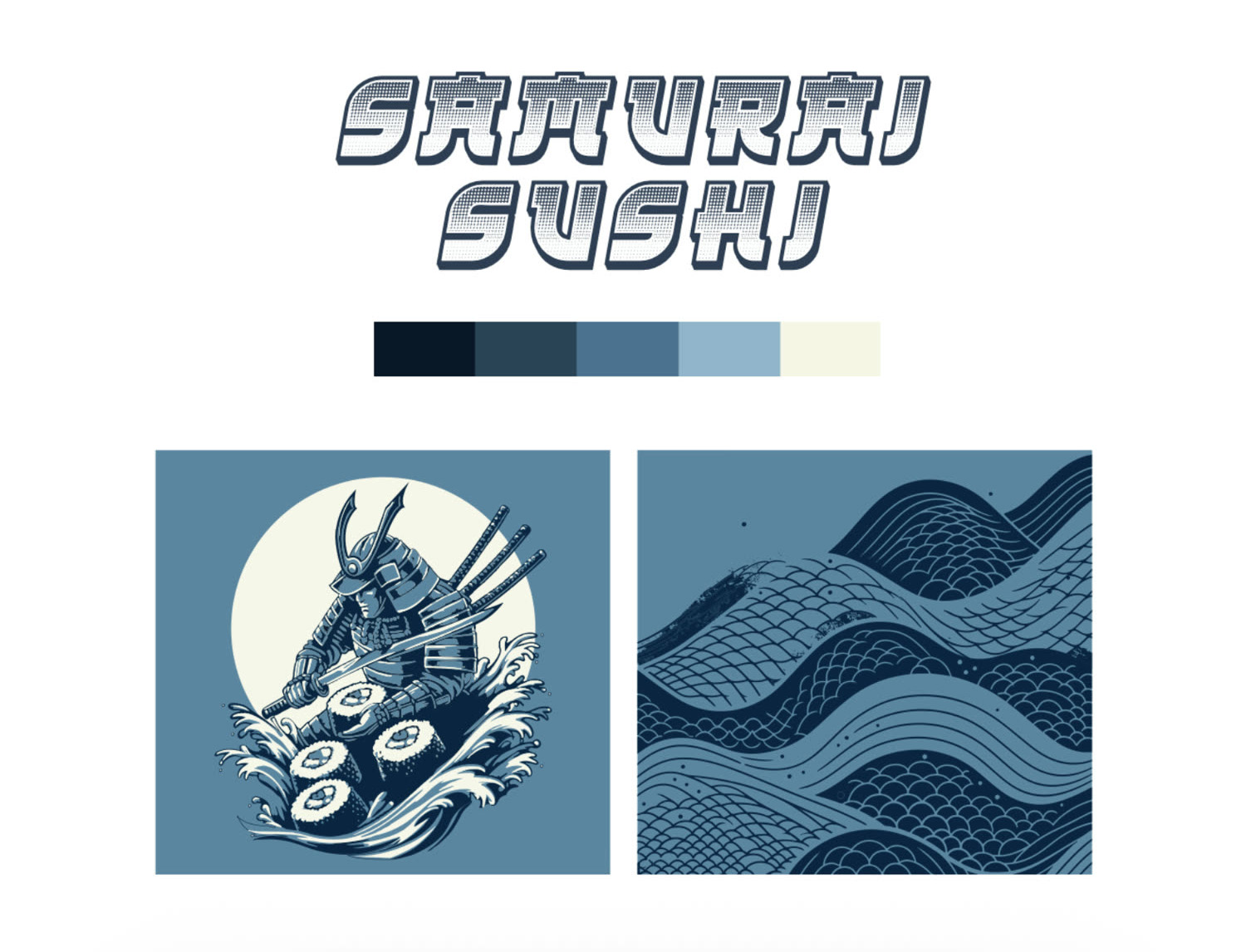
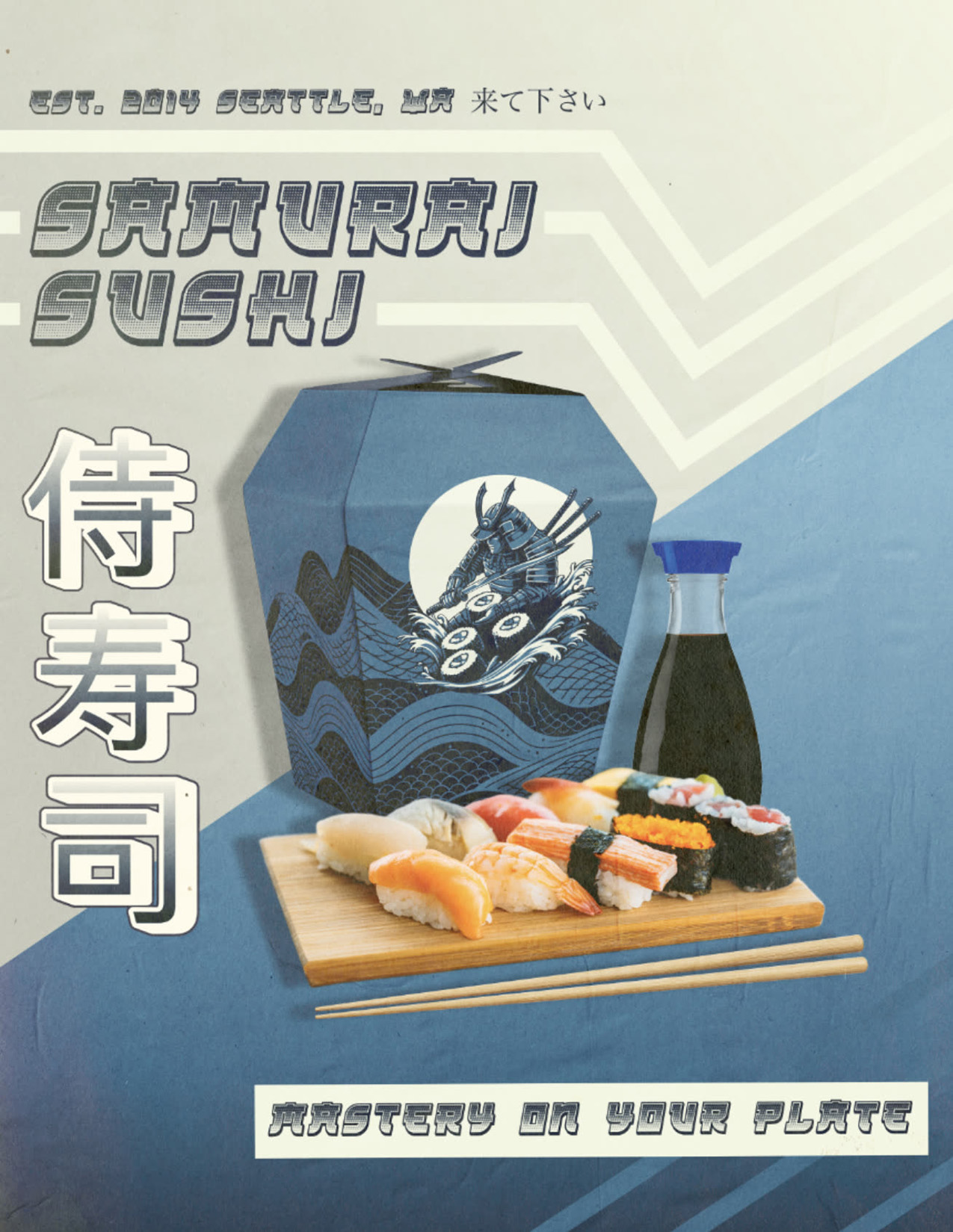
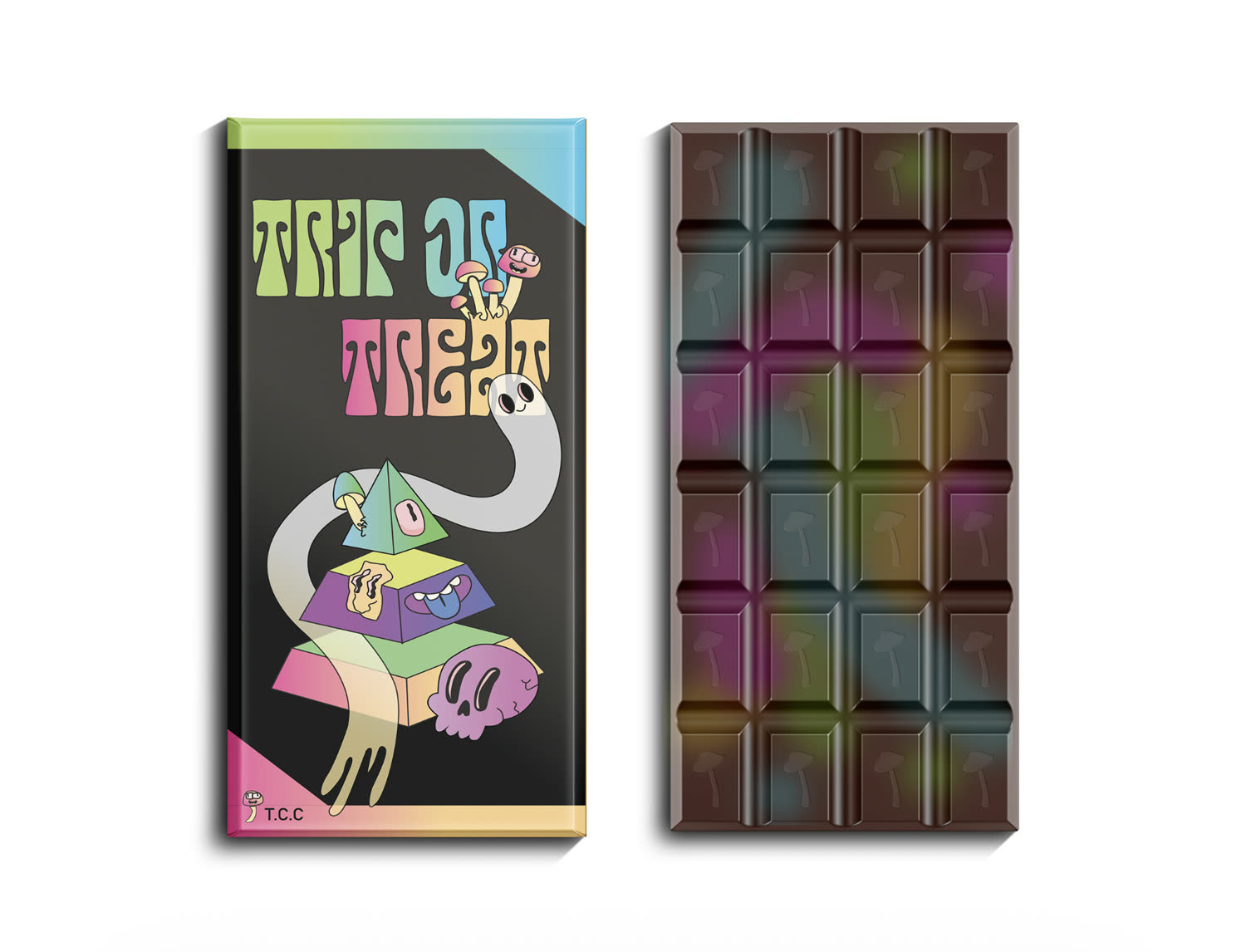
Students choose from design briefs, then develop a logomark, logotype, pattern, product mockup, and advertisement. The project bridges Illustrator and Photoshop while introducing cohesive brand decisions.
Selected outcomes



03
Grid, layout, and hierarchy
Tastefully Designed
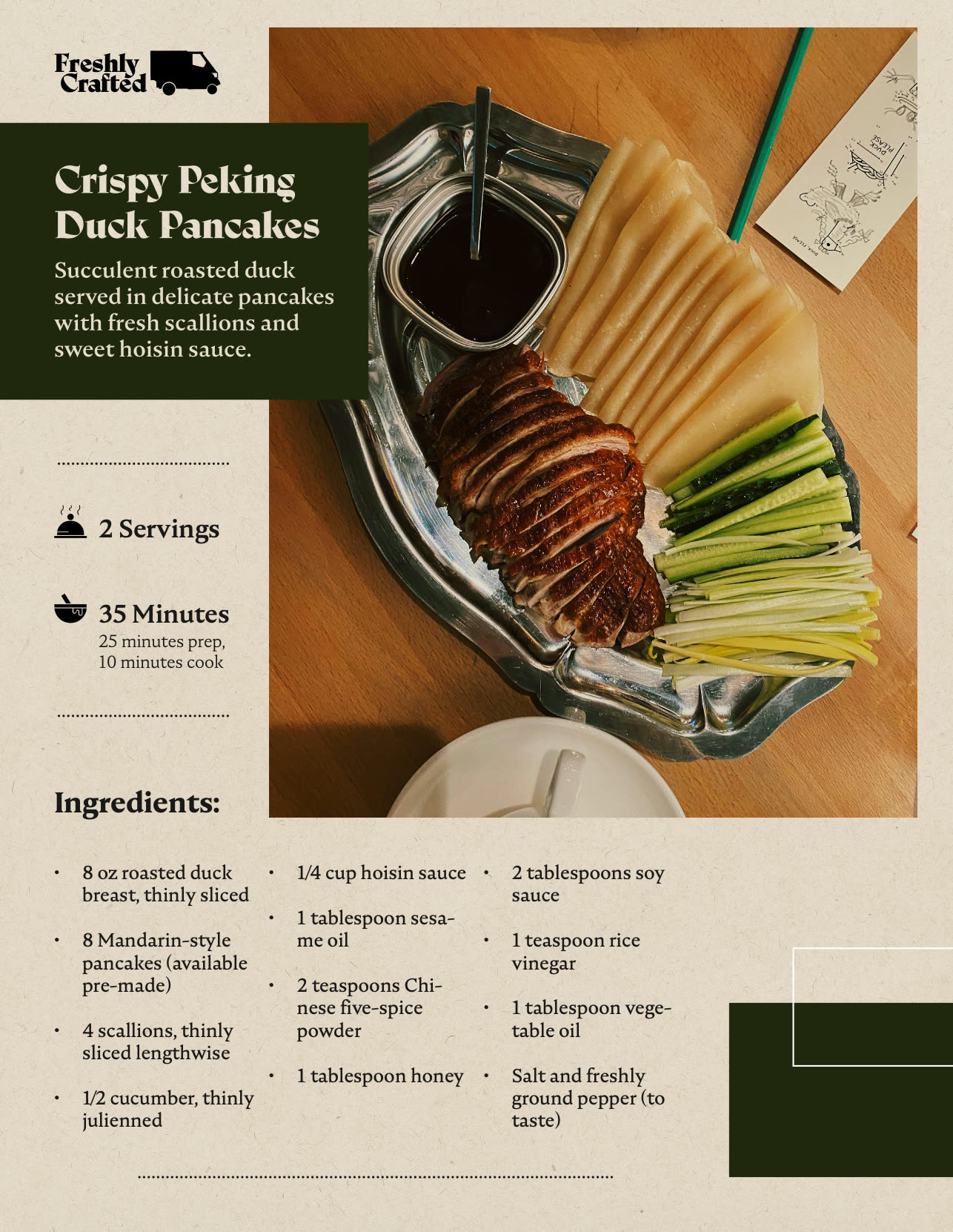
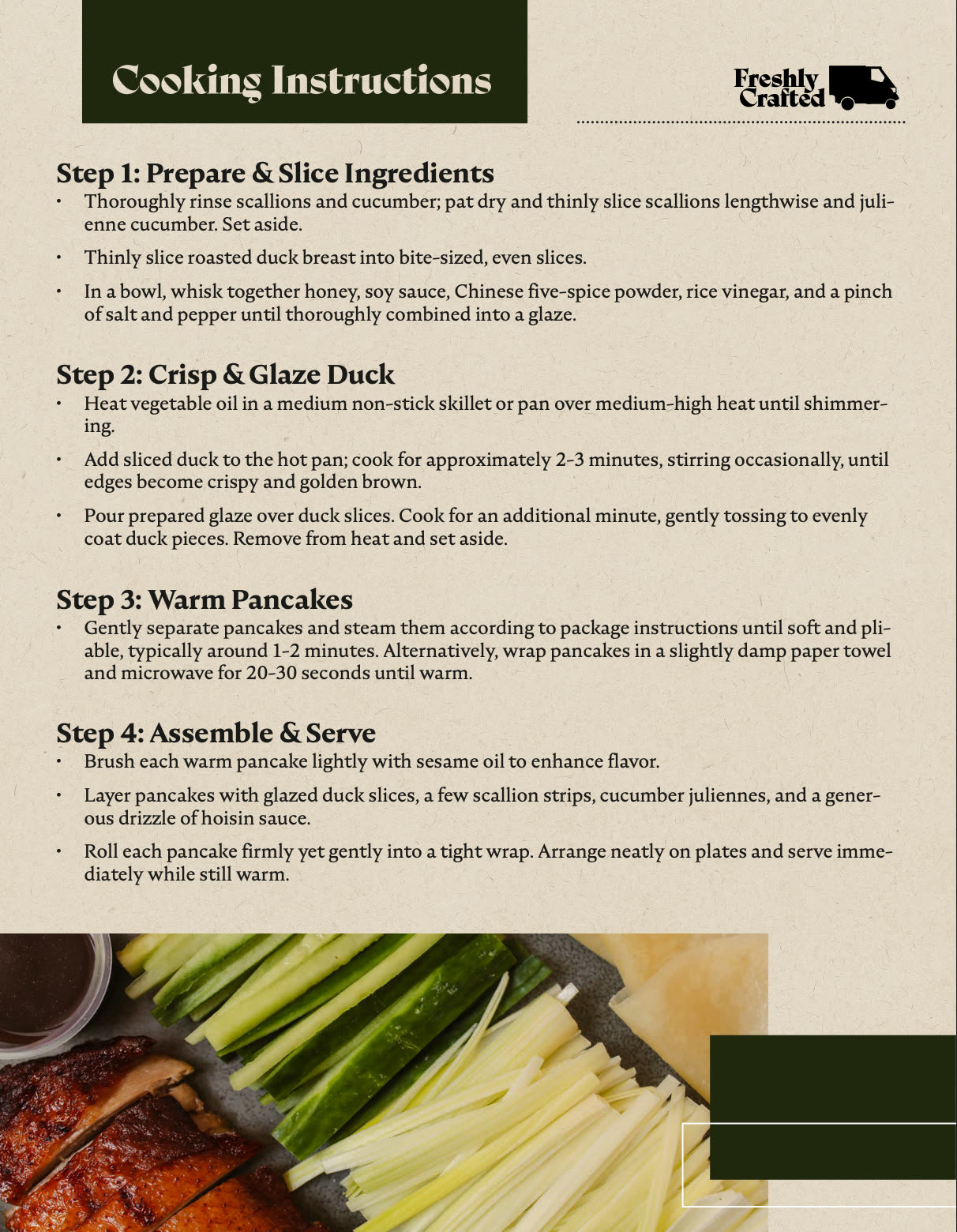
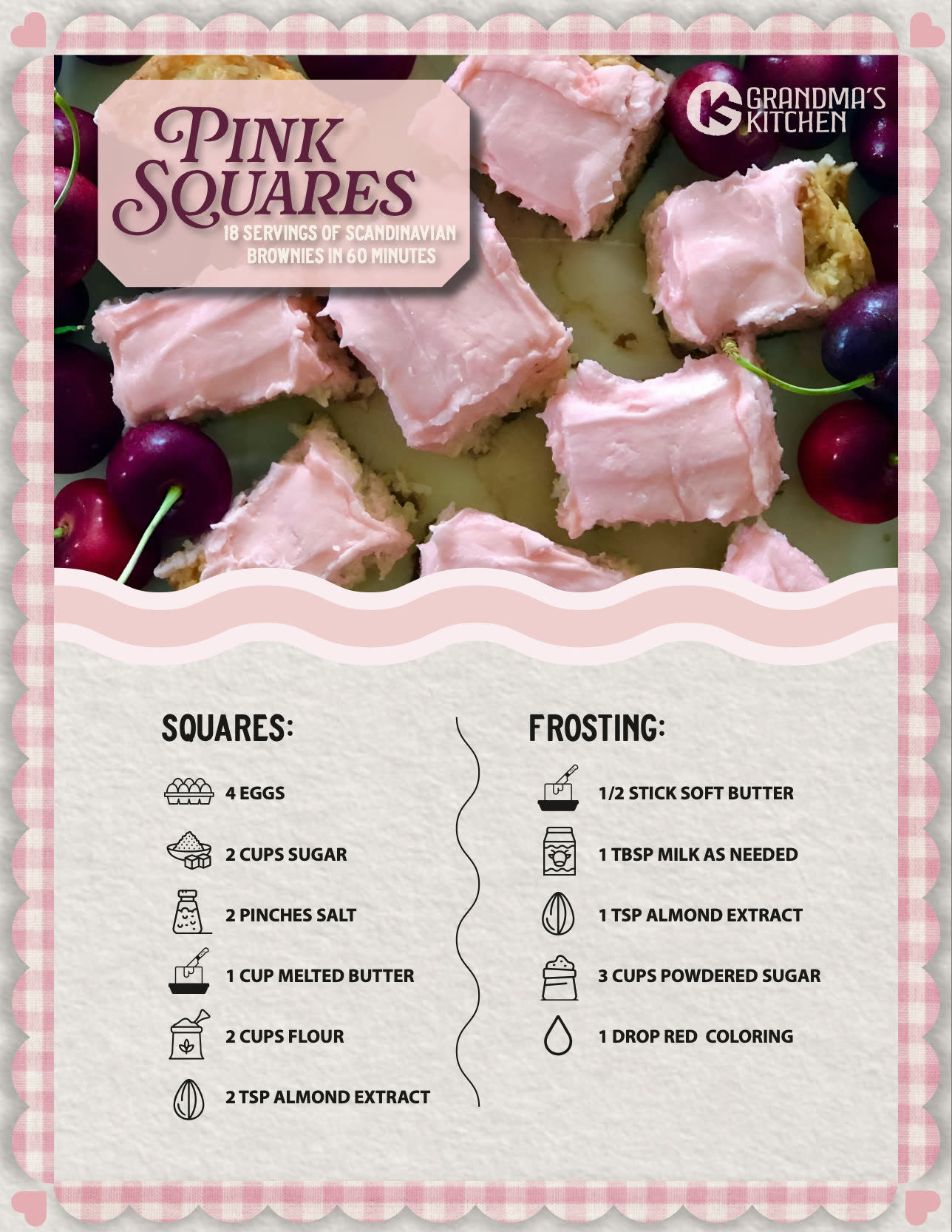
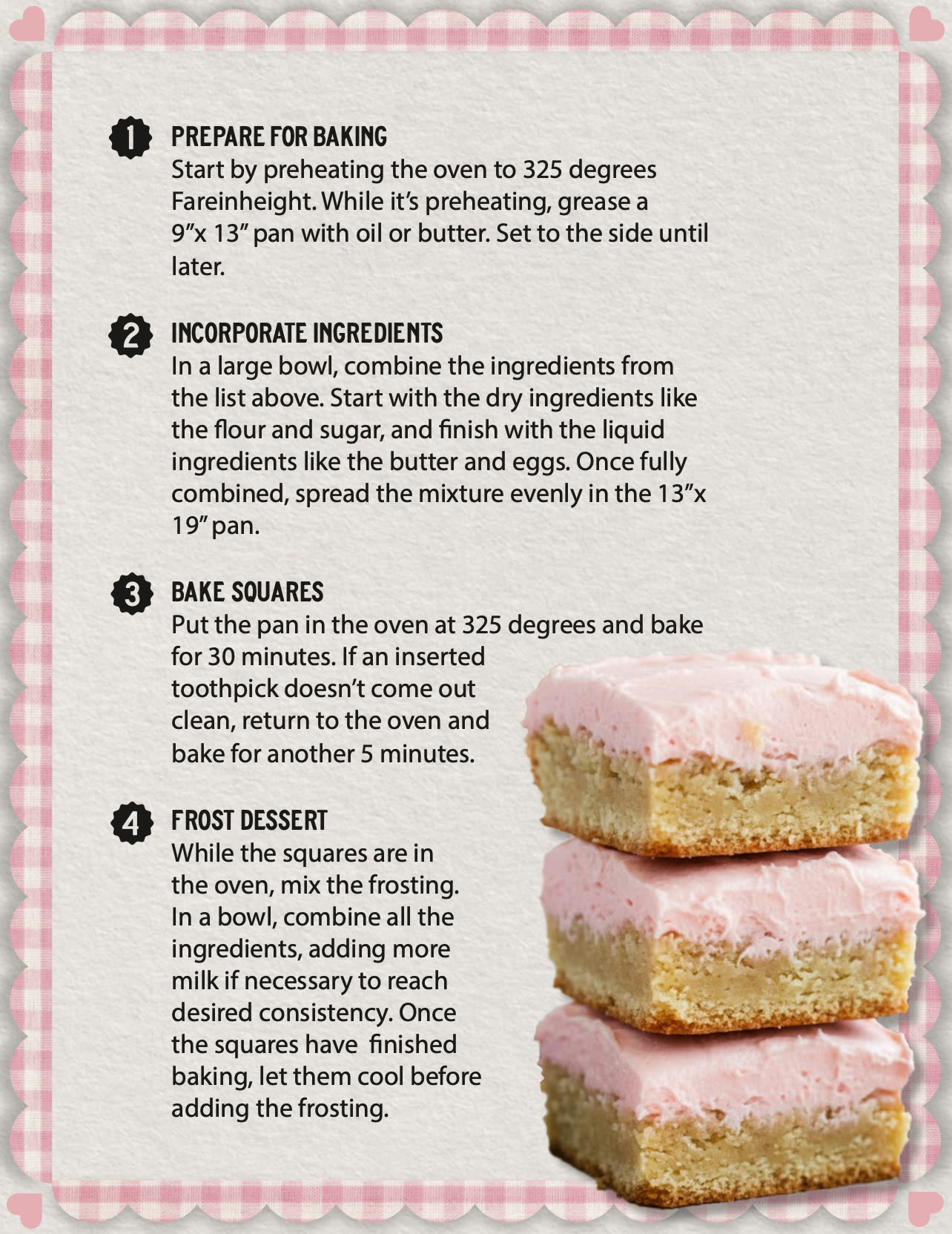
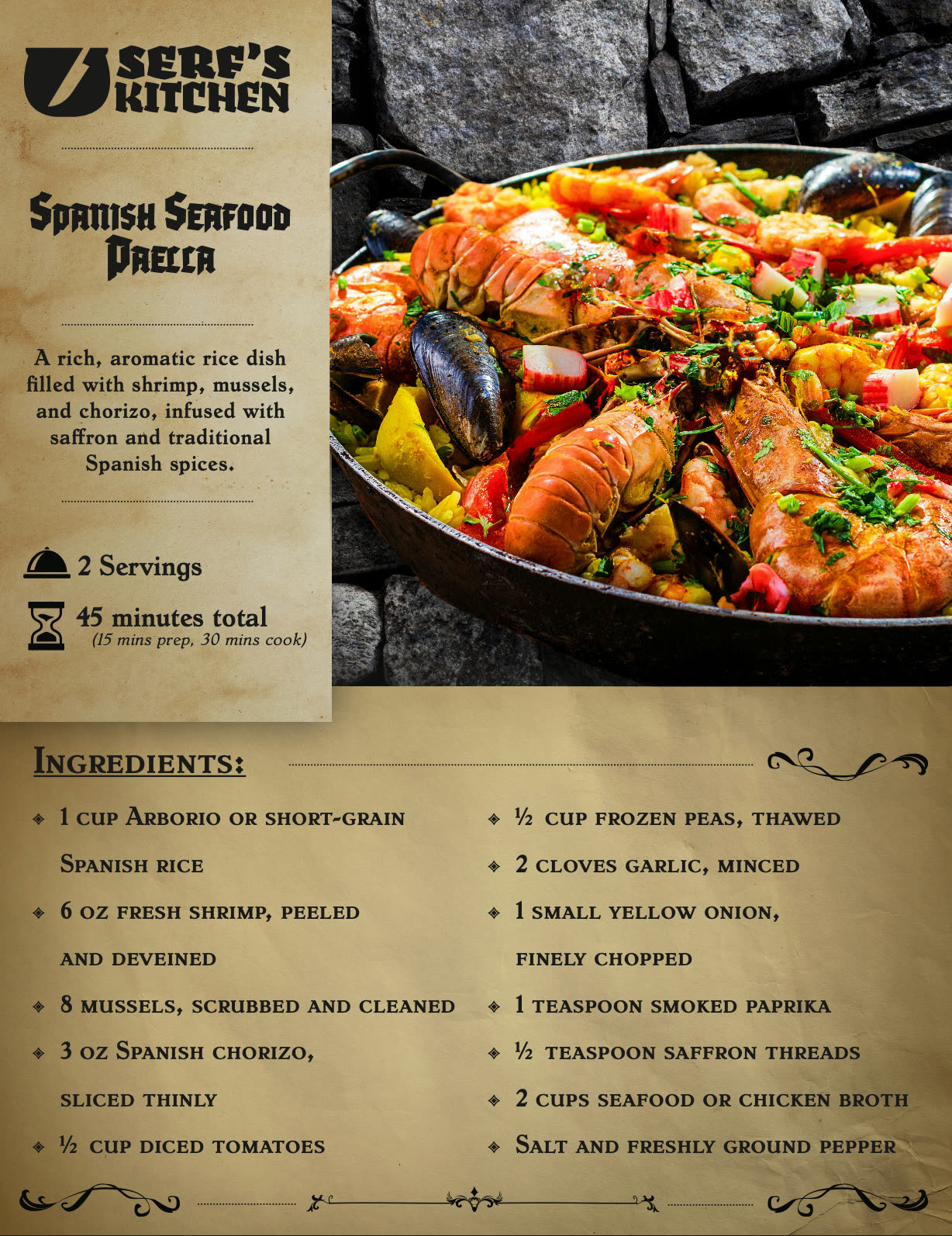
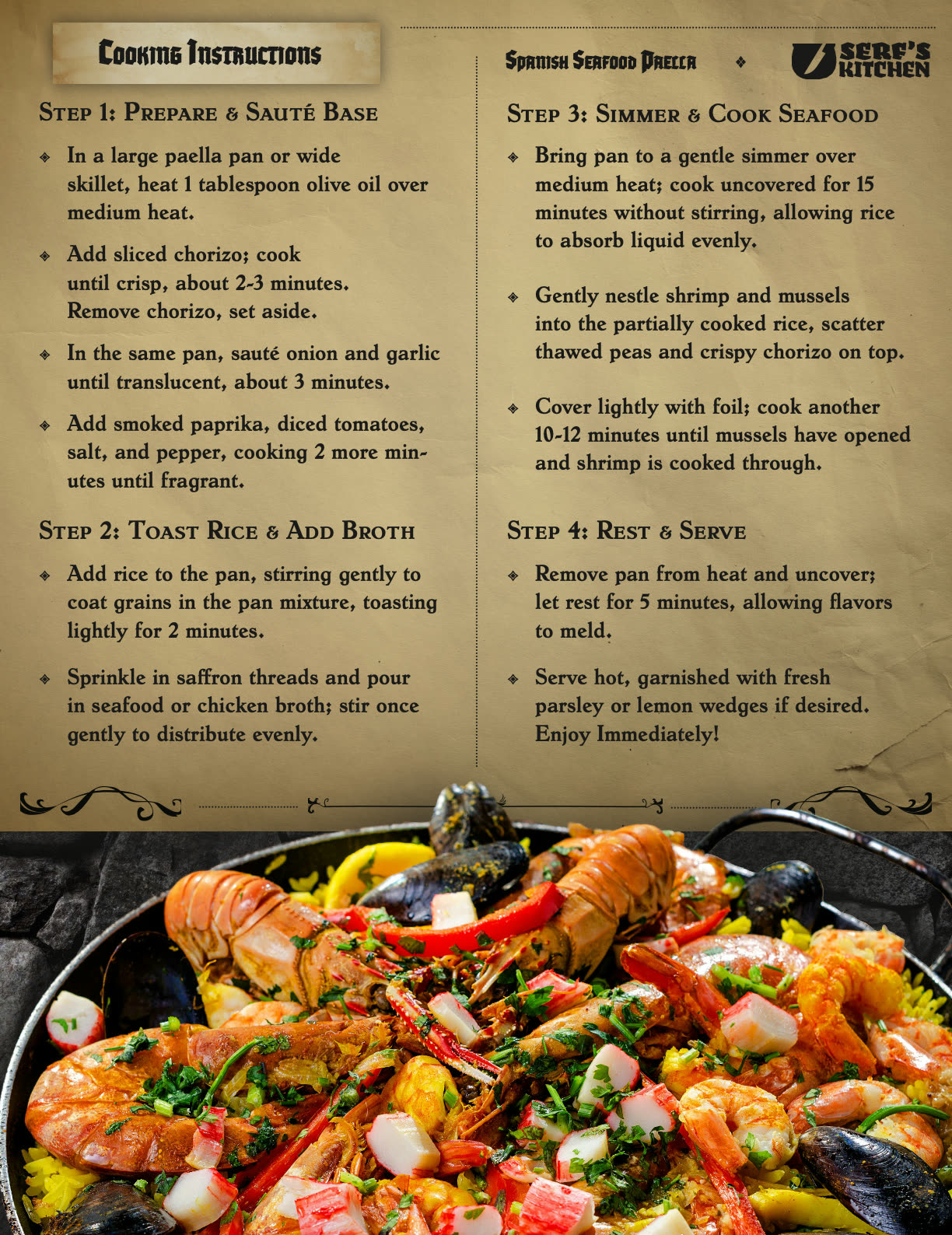
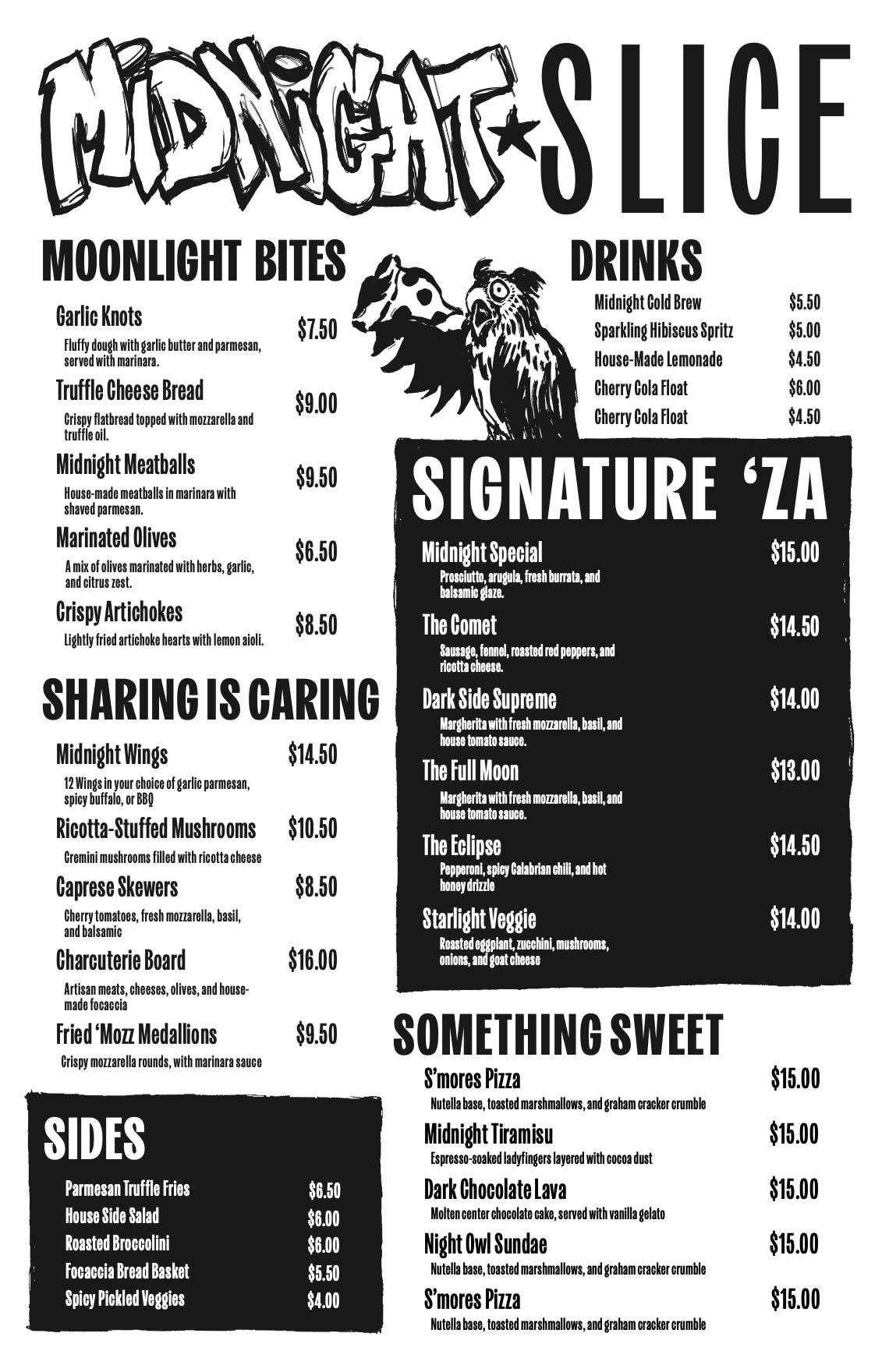
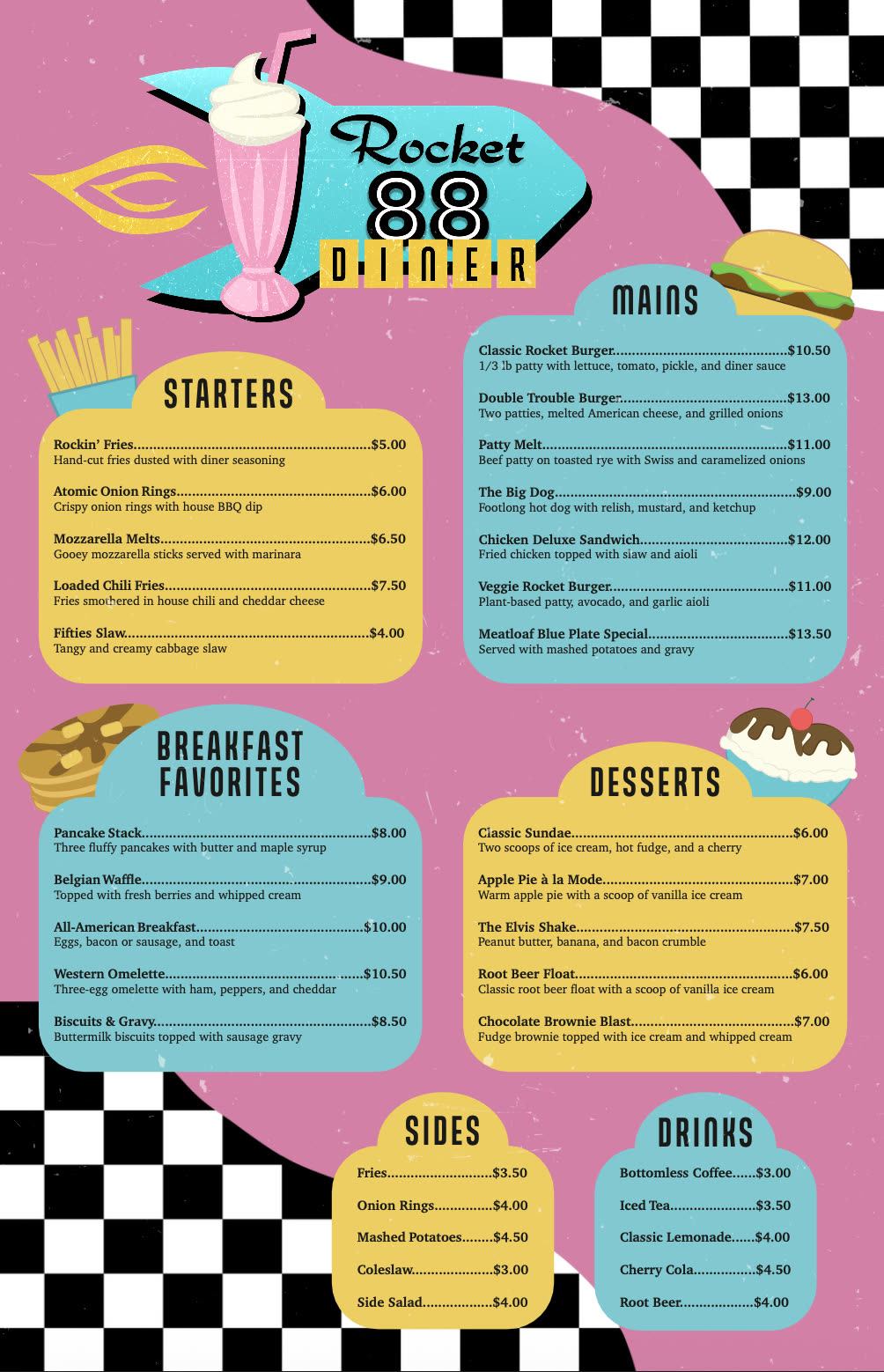
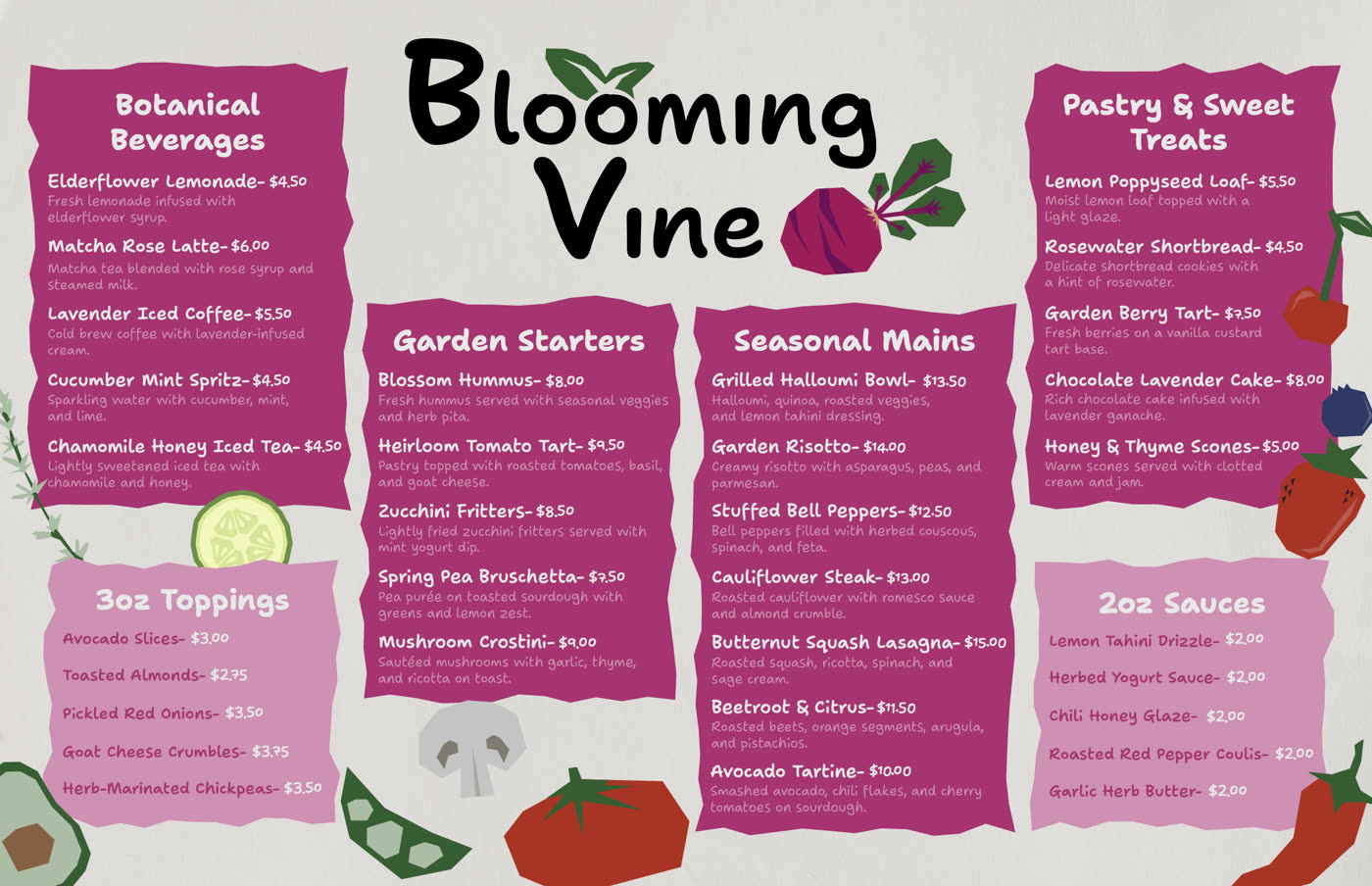
Students design a double-sided recipe card for a fictional meal subscription service. The project brings together InDesign grids, typographic hierarchy, branding, imagery, and usability.
Selected outcomes
04
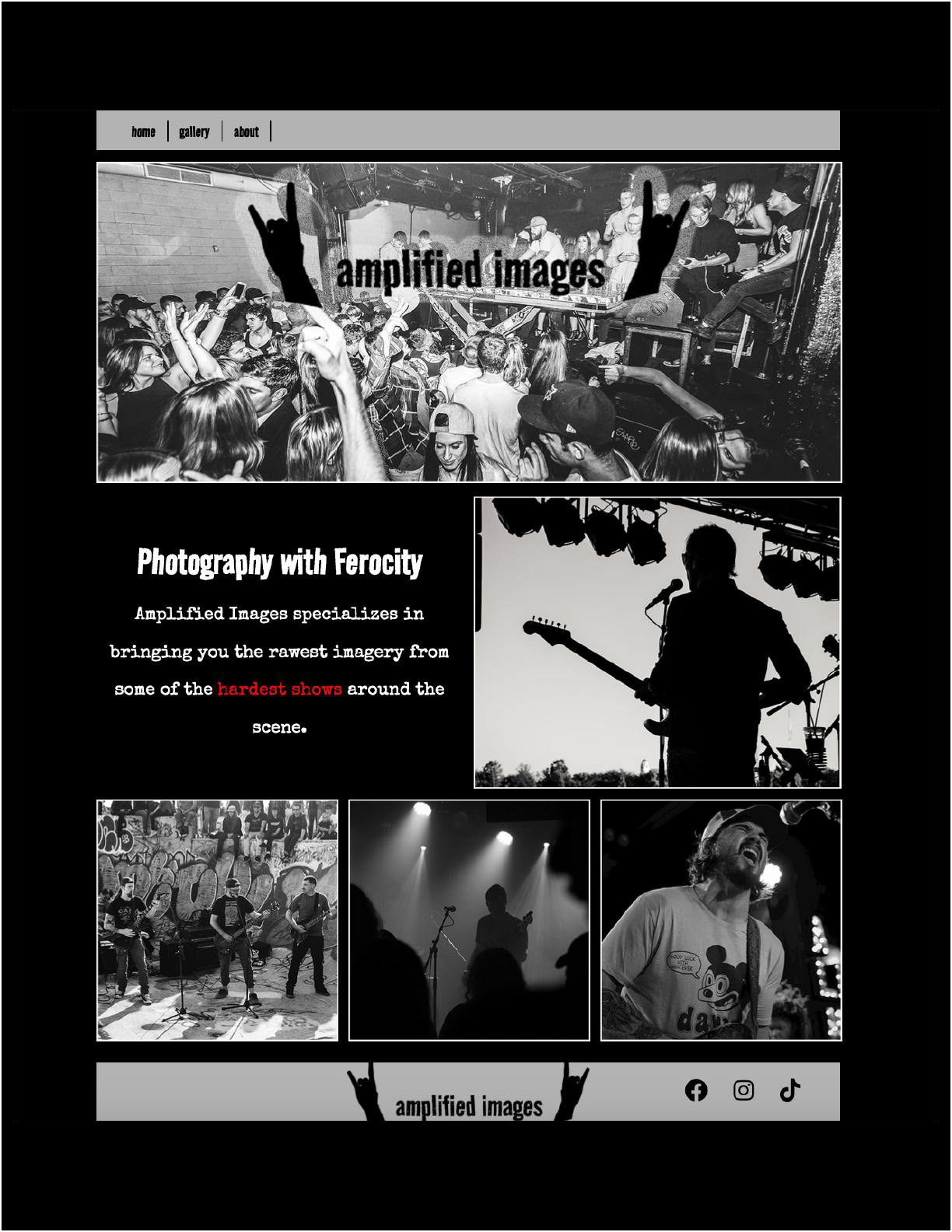
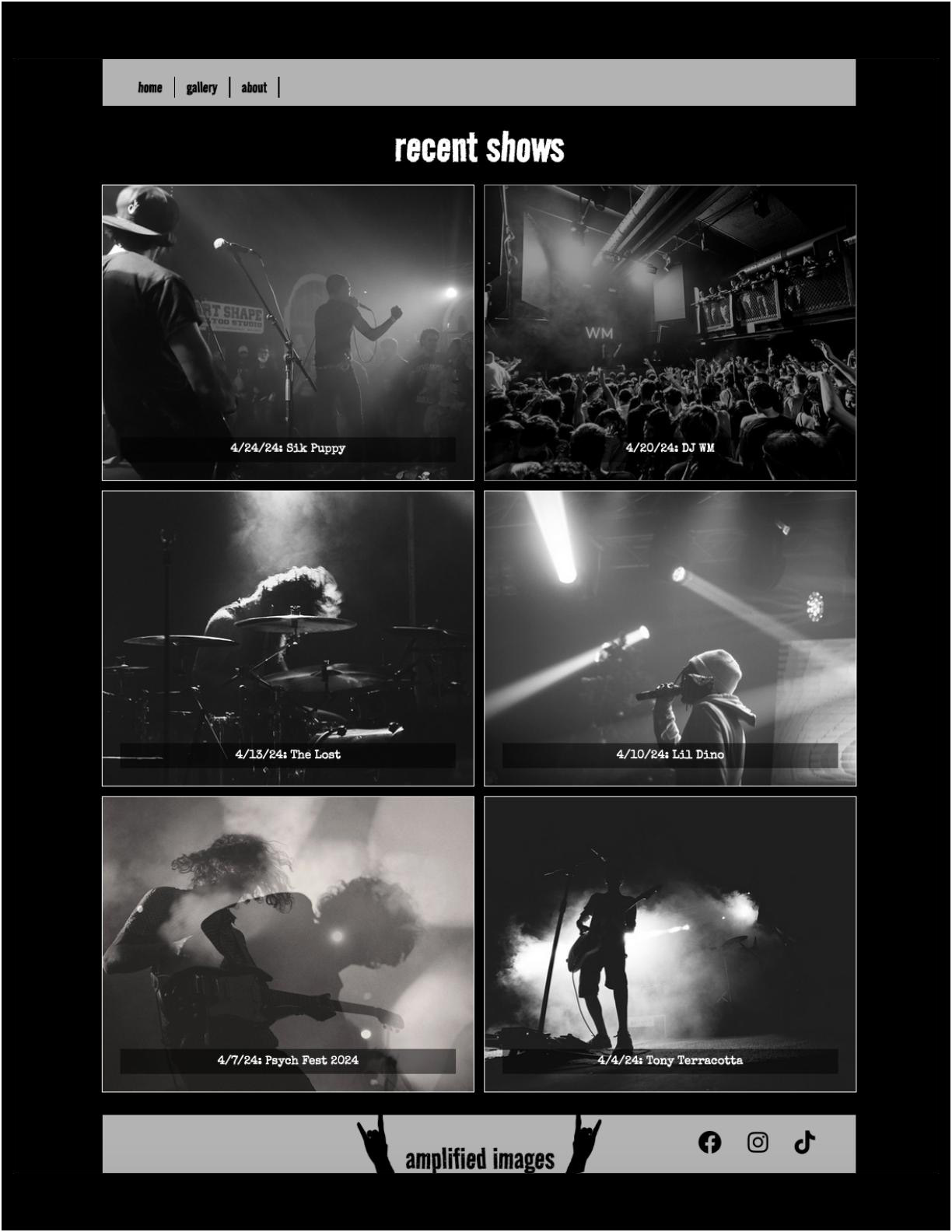
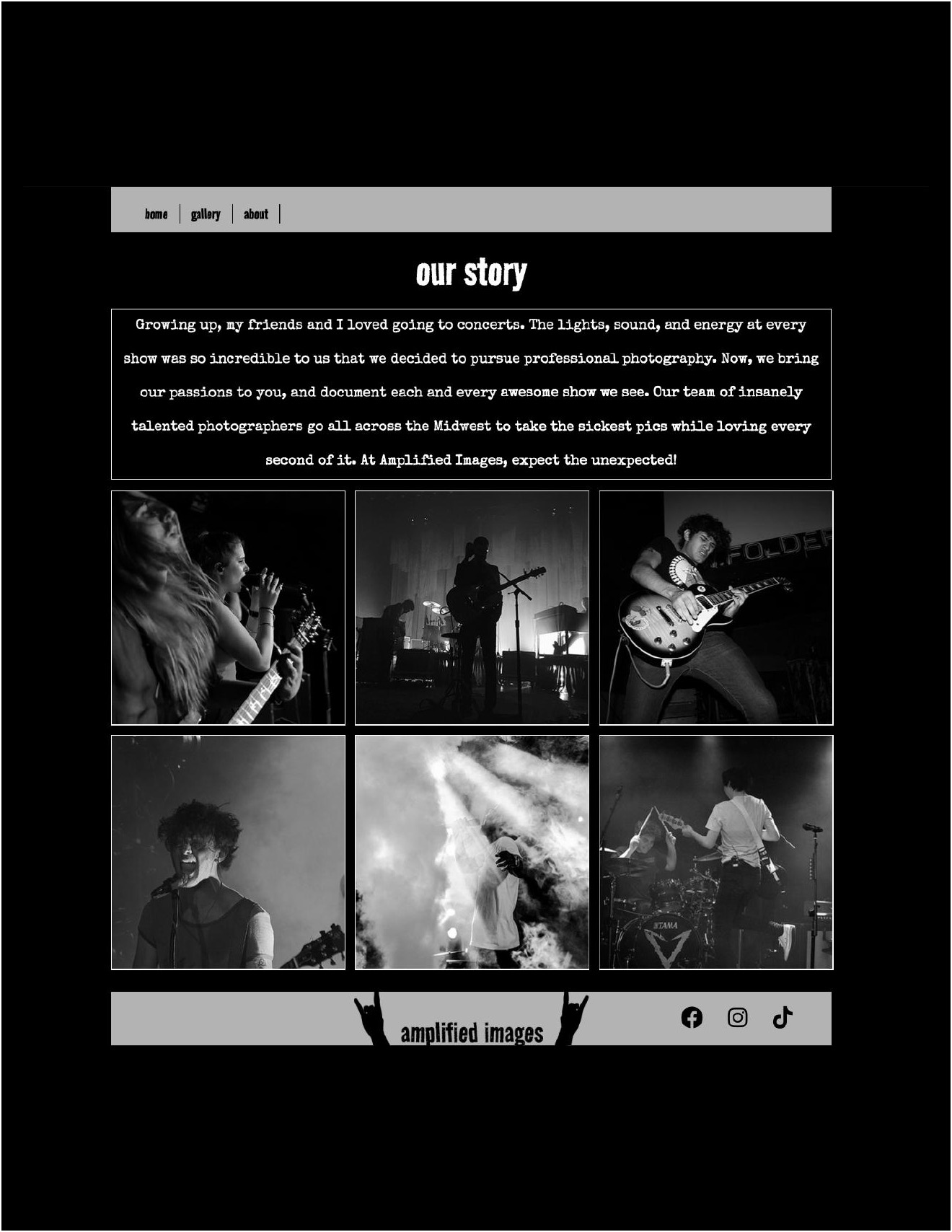
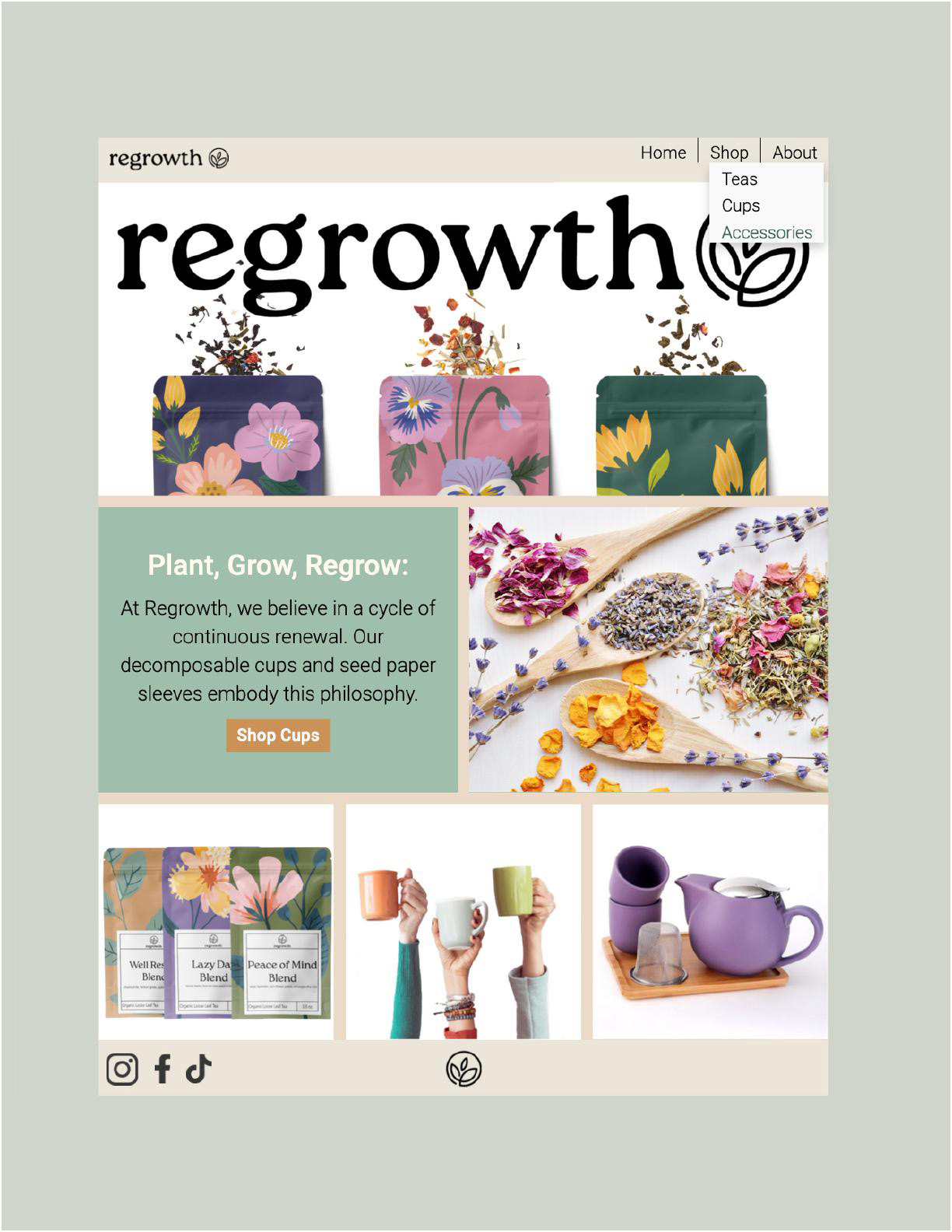
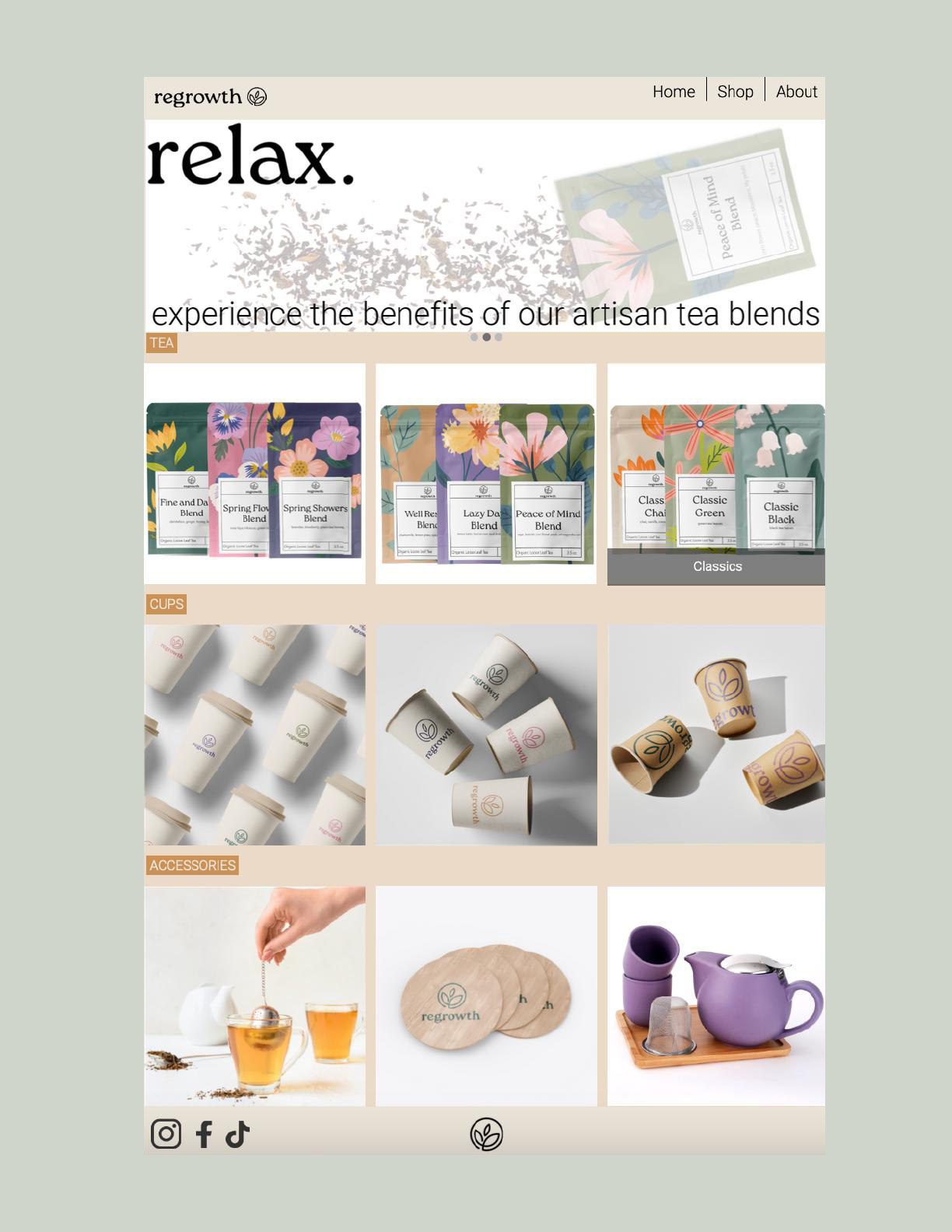
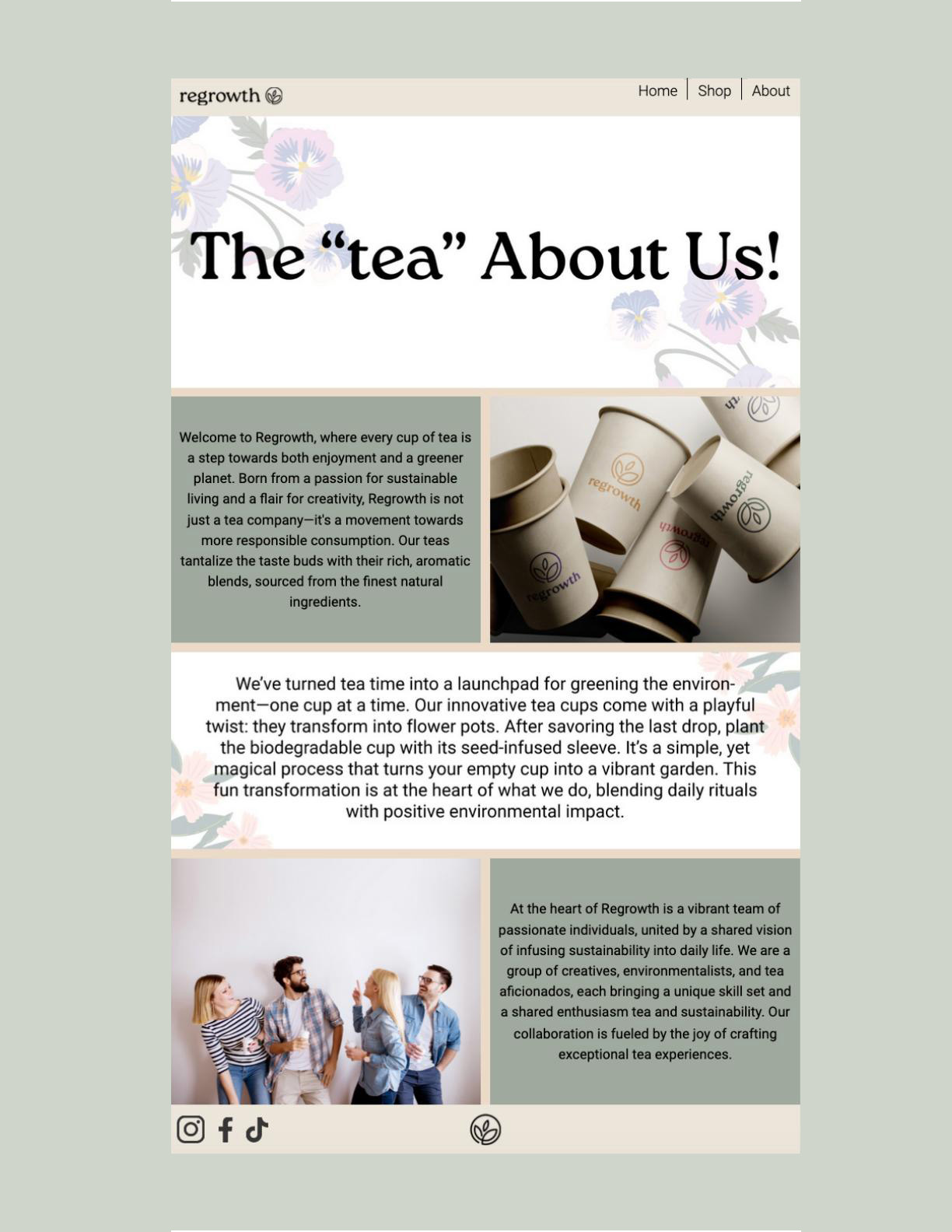
HTML and CSS page studies
Web Module
The final module introduces HTML and CSS as another design area. Students connect navigation, imagery, hierarchy, and layout decisions to a small fixed-width composition.
Selected outcomes
Methods
How the classroom keeps the work moving.
The course is structured around repeatable habits: begin with research and sketches, test a visual direction, receive critique, revise the work, and prepare files that can be presented clearly.
Staged Work
Projects are broken into concept development, sketches, drafts, feedback, final files, and critique so students can see how decisions develop over time.
Critique as Practice
Feedback is treated as a working method. Students are asked to explain what they made, where it is unclear, and what can be revised next.
Responsible Tools
Digital tools, including AI when appropriate, support ideation and supplemental assets, but the final work must demonstrate the student's own design decisions and technical execution.