
Course
AD 418: Interactive Design and User Experiences Back to Teaching
User Interface
This advanced course uses research, user flows, visual systems, and prototypes to help students design interactive experiences. Students move from icon and identity systems into app concepts, screen sequences, data displays, and motion-supported presentations.
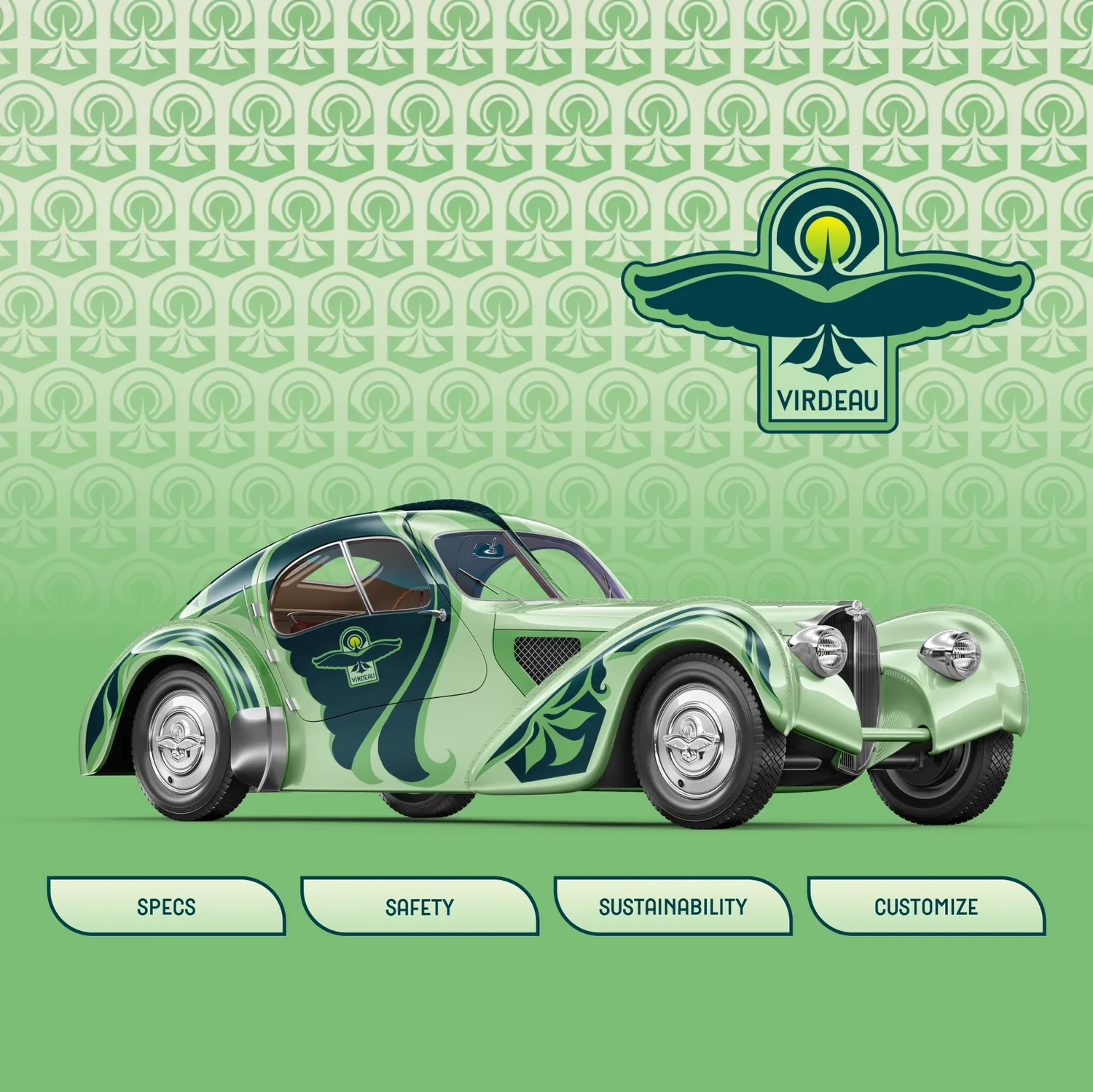
Institution
Northern Michigan UniversityLevel
Advanced interactive designPrimary tools
Figma, Illustrator, Photoshop, After EffectsCourse logic
Research becomes usable interaction.
The course treats interface design as a series of decisions: who the work is for, what path they need to follow, how information should be organized, and how visual systems make that path feel clear.
Research and Flows
Students begin with briefs, audience needs, personas, user flows, and information structure before resolving the final screen language.
Systems and Screens
Identity, iconography, components, hierarchy, and interaction patterns are treated as one connected interface system.
Prototype and Test
Figma prototypes, critique sessions, and user feedback help students test whether an interaction makes sense before polishing the final presentation.
Assignment sequence
From icon systems to interactive displays.
The assignments move from a smaller interface design into larger prototypes. Students practice identity, iconography, screens, flows, data organization, motion, and presentation as connected parts of an interactive system.
01
Logomarks, icons, app screens
Icon Do It!
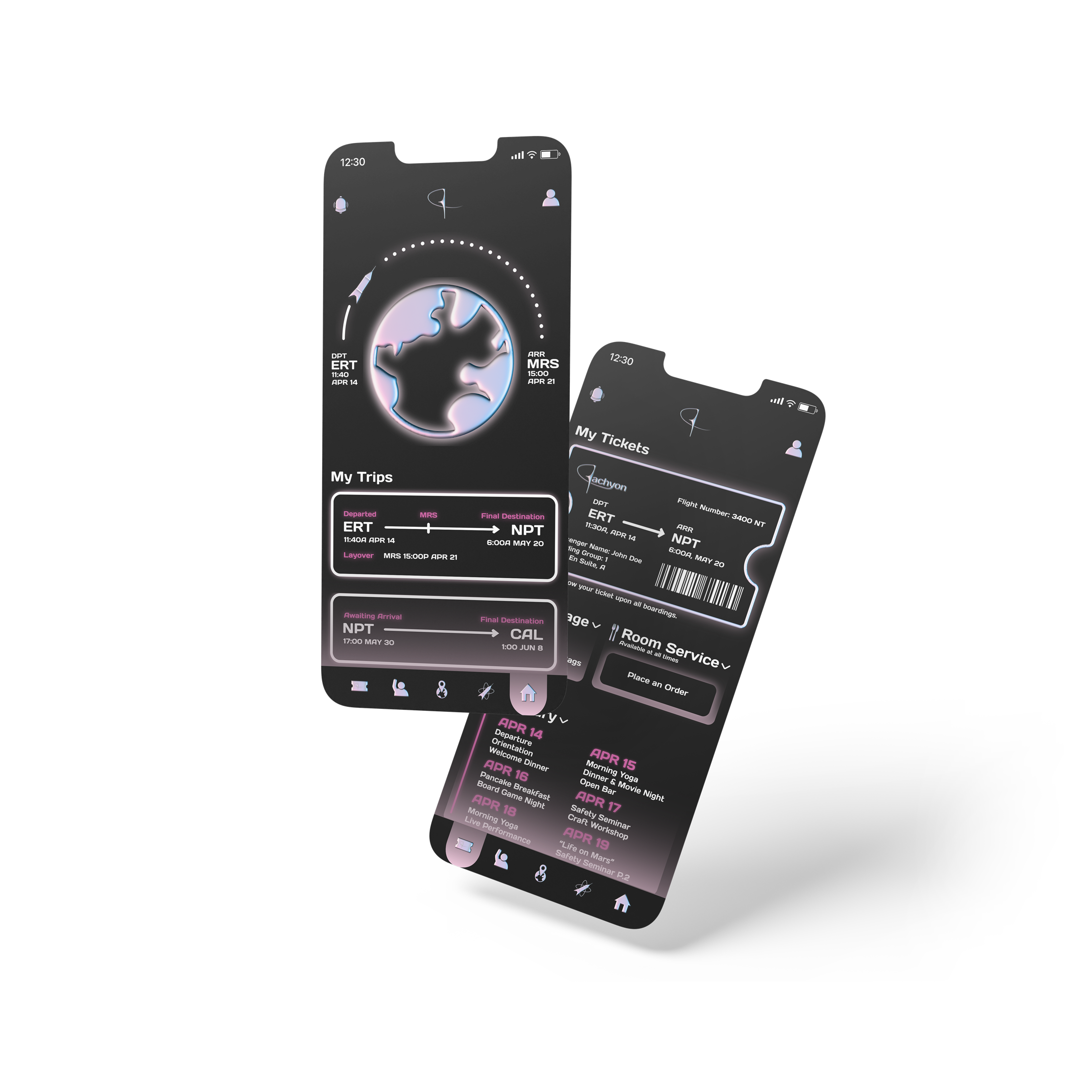
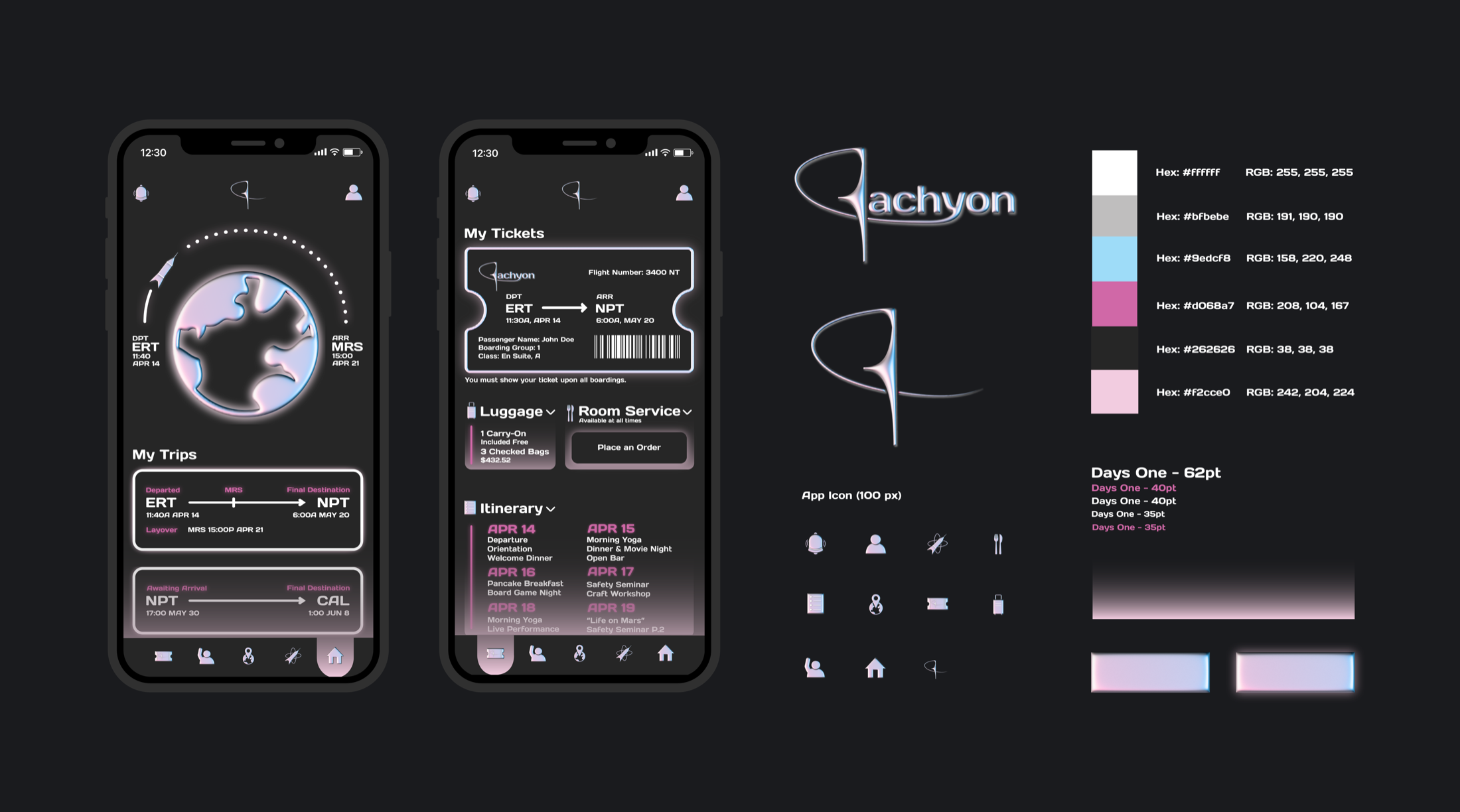
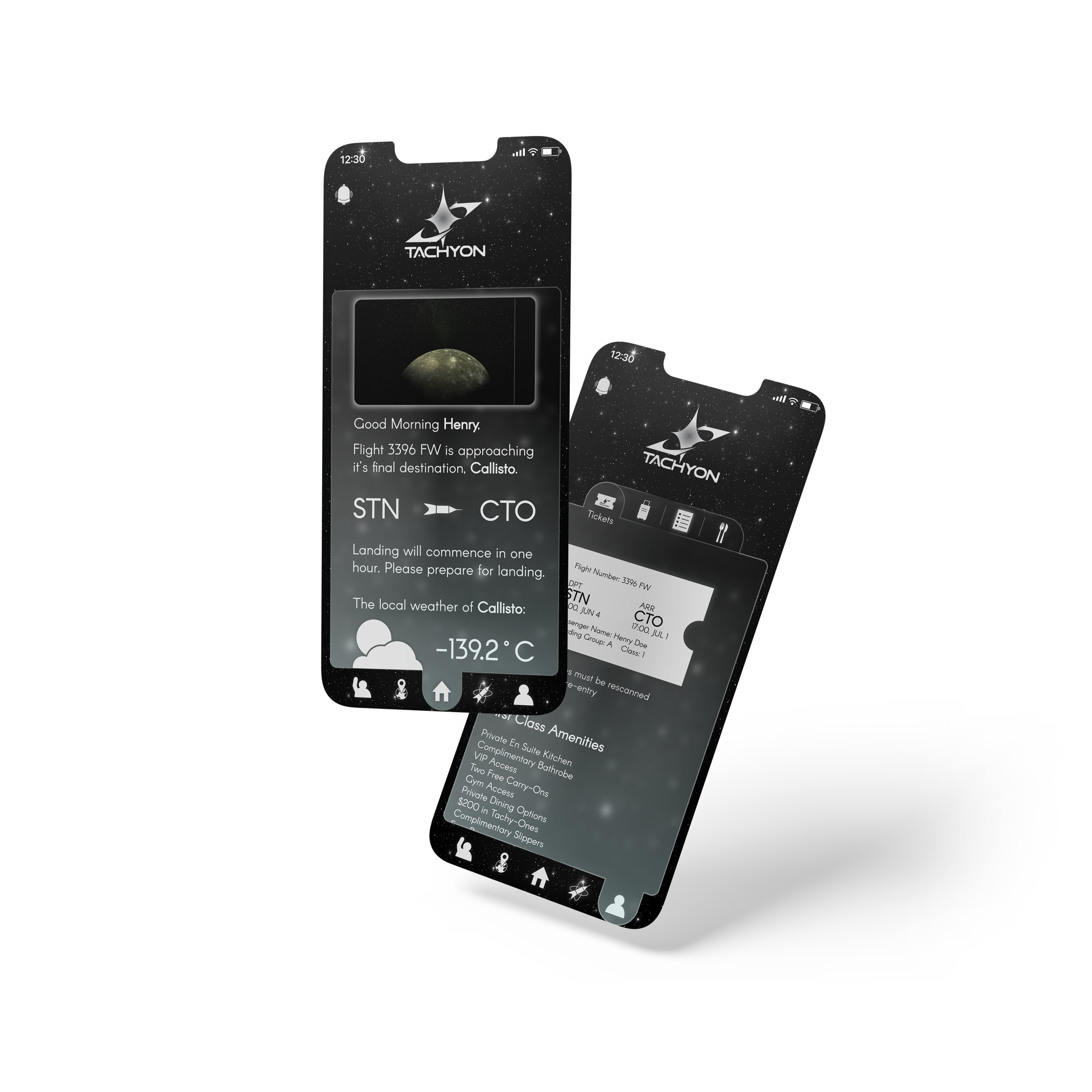
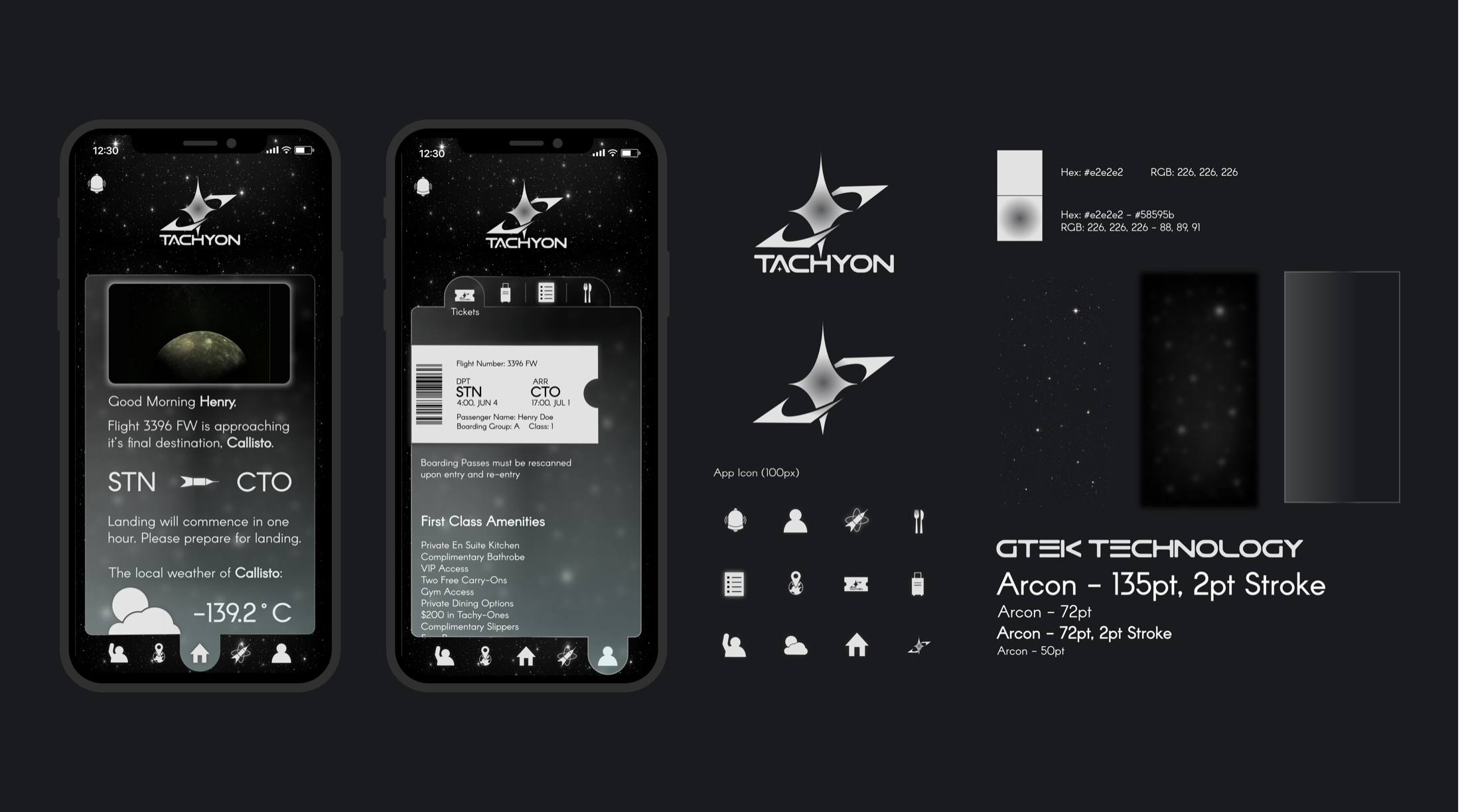
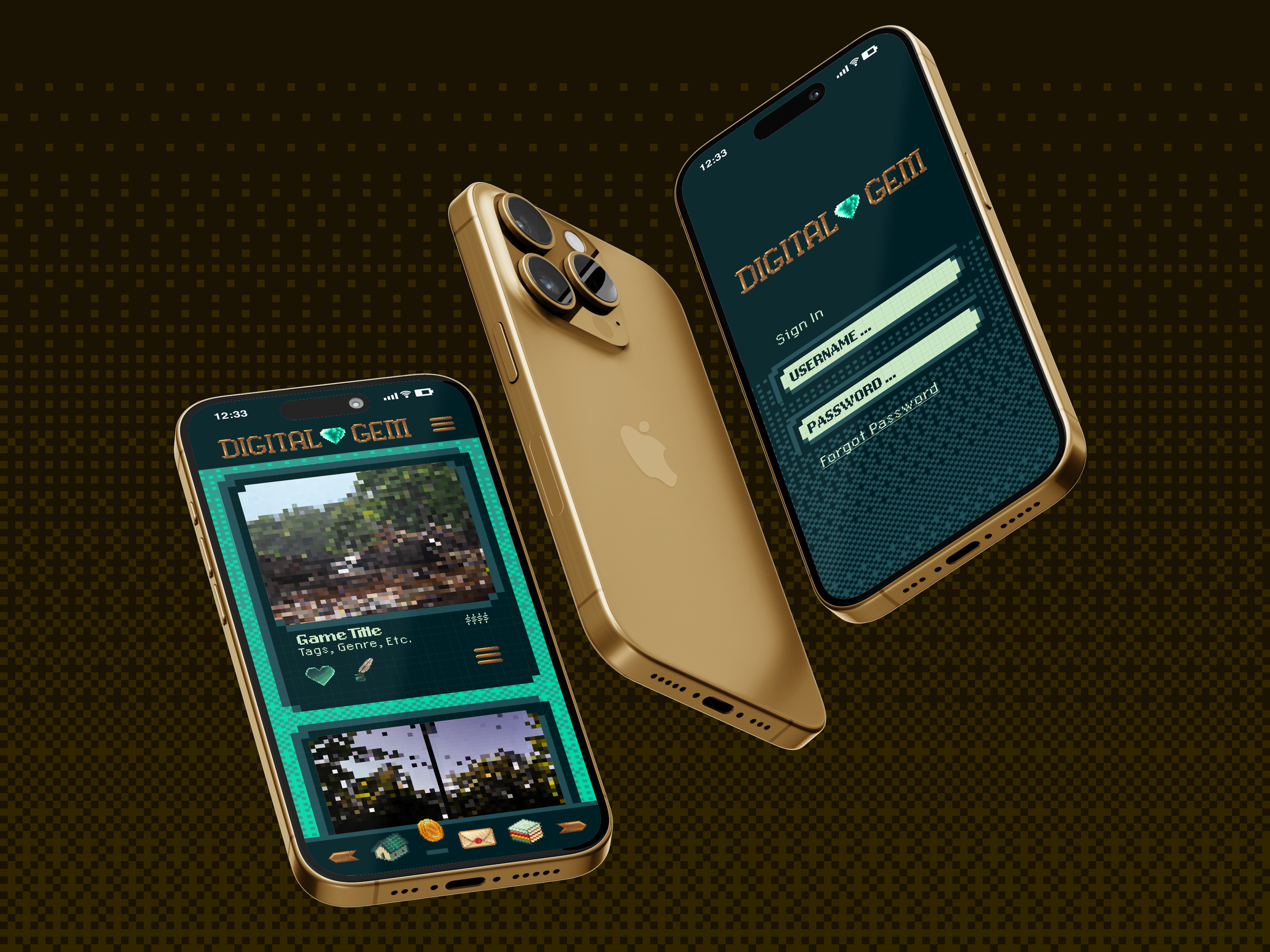
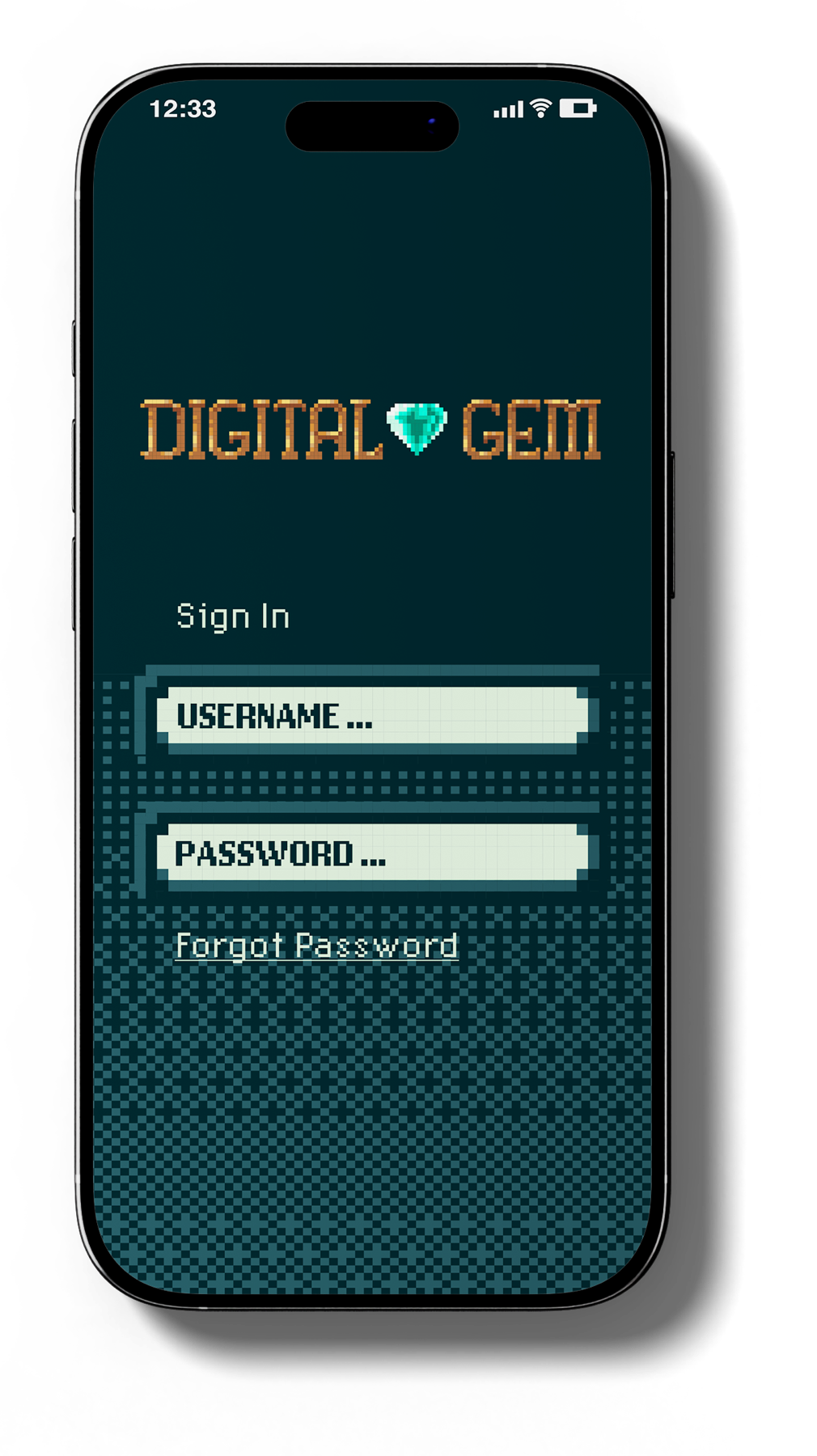
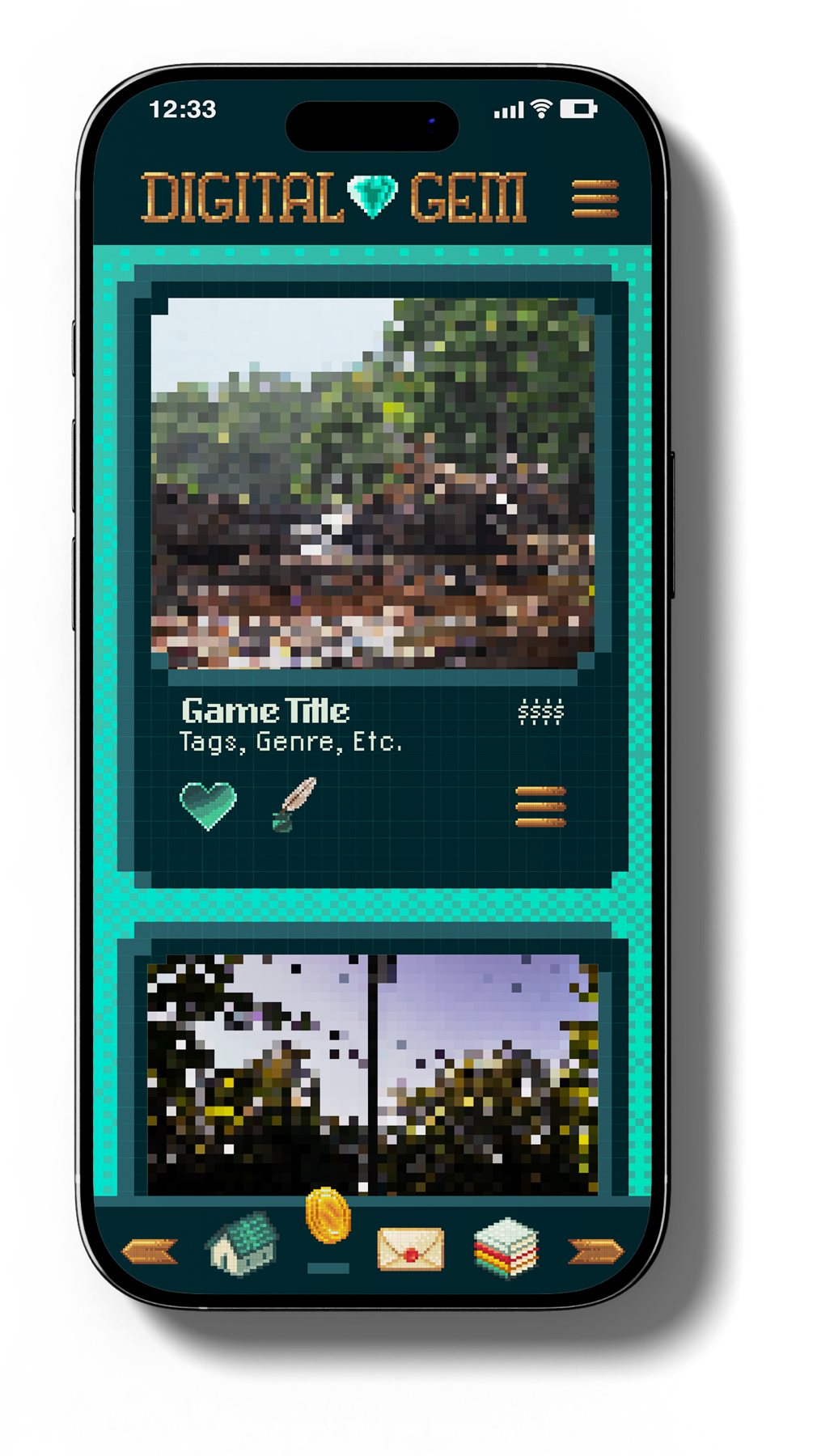
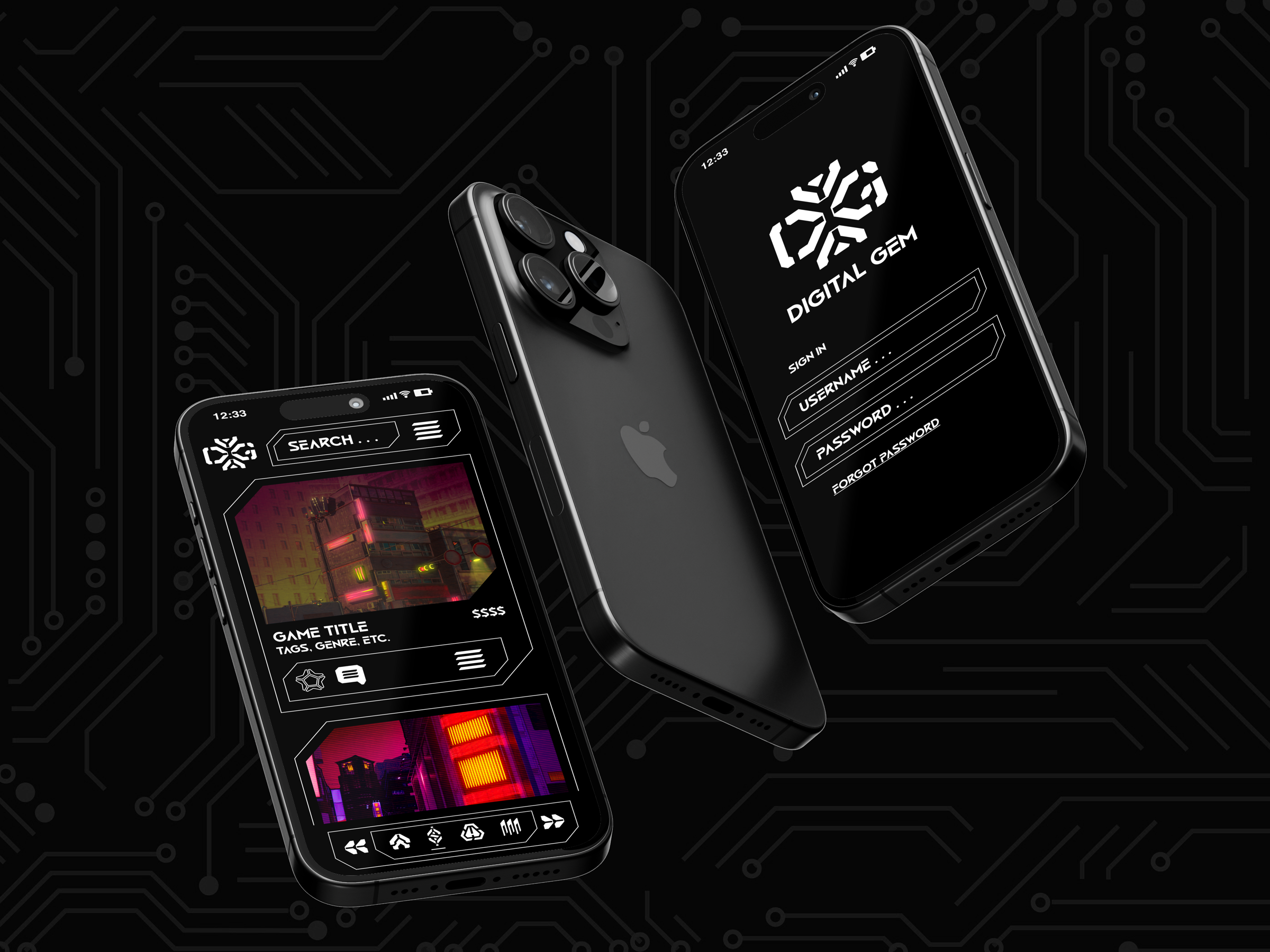
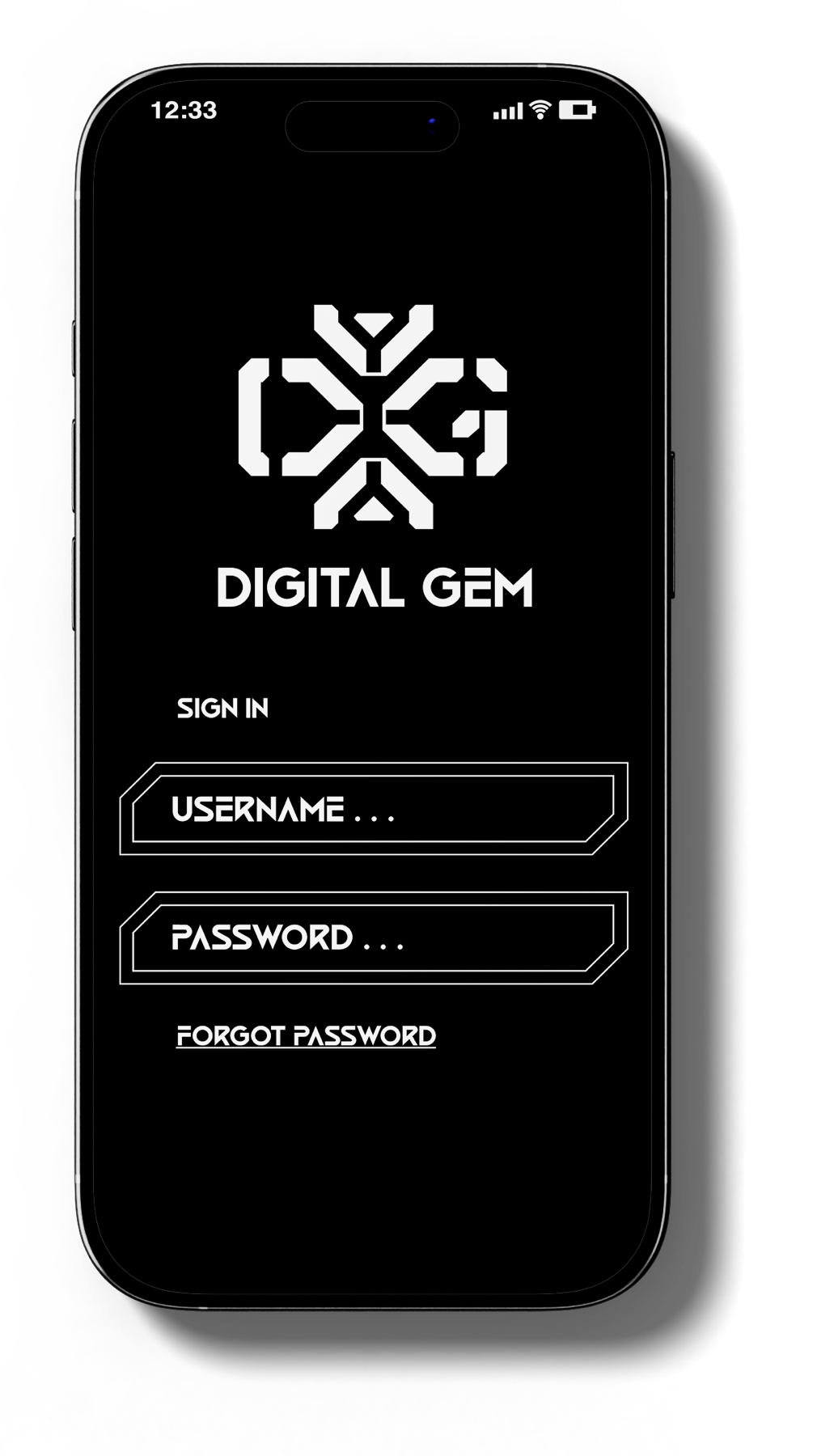
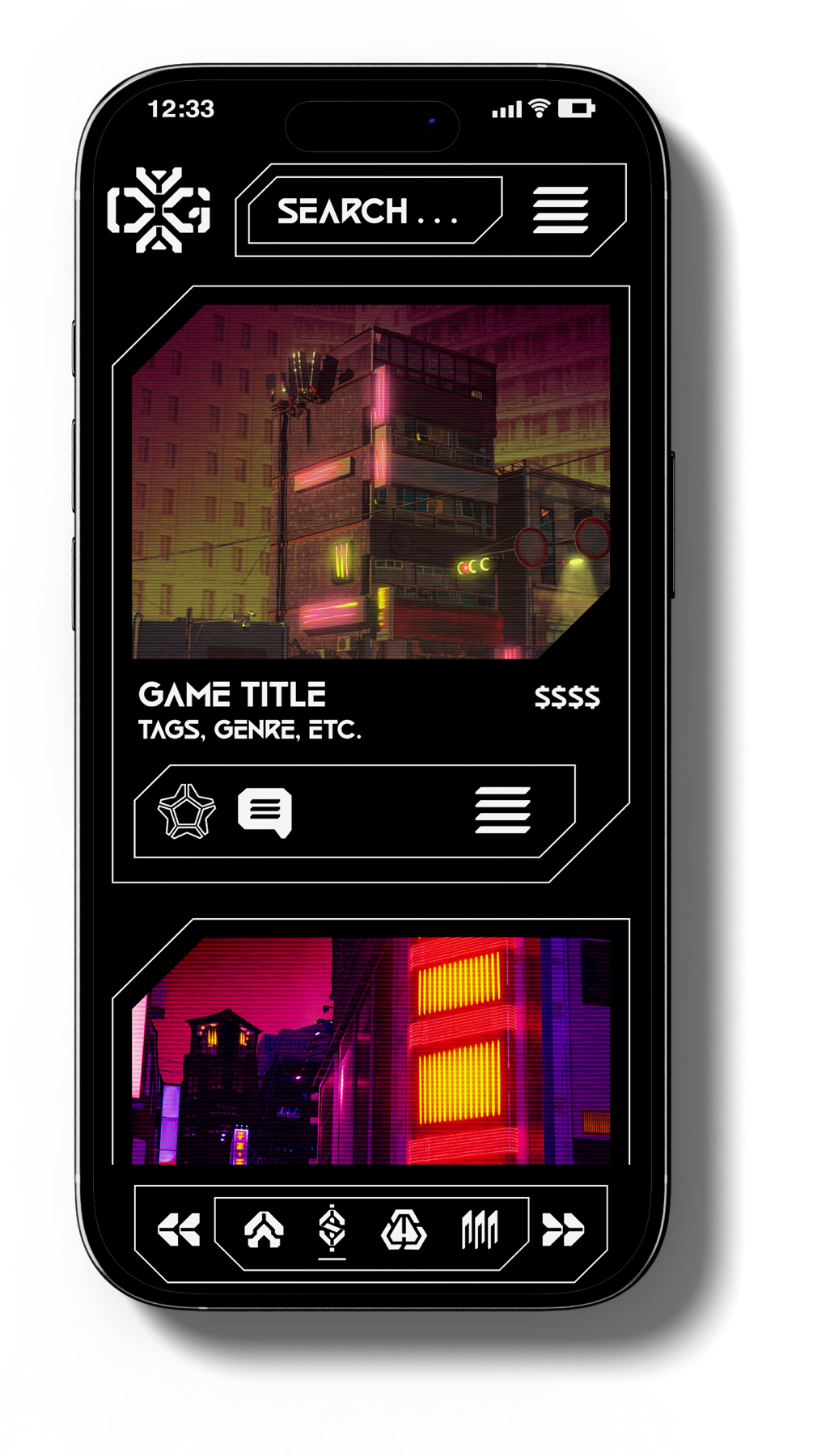
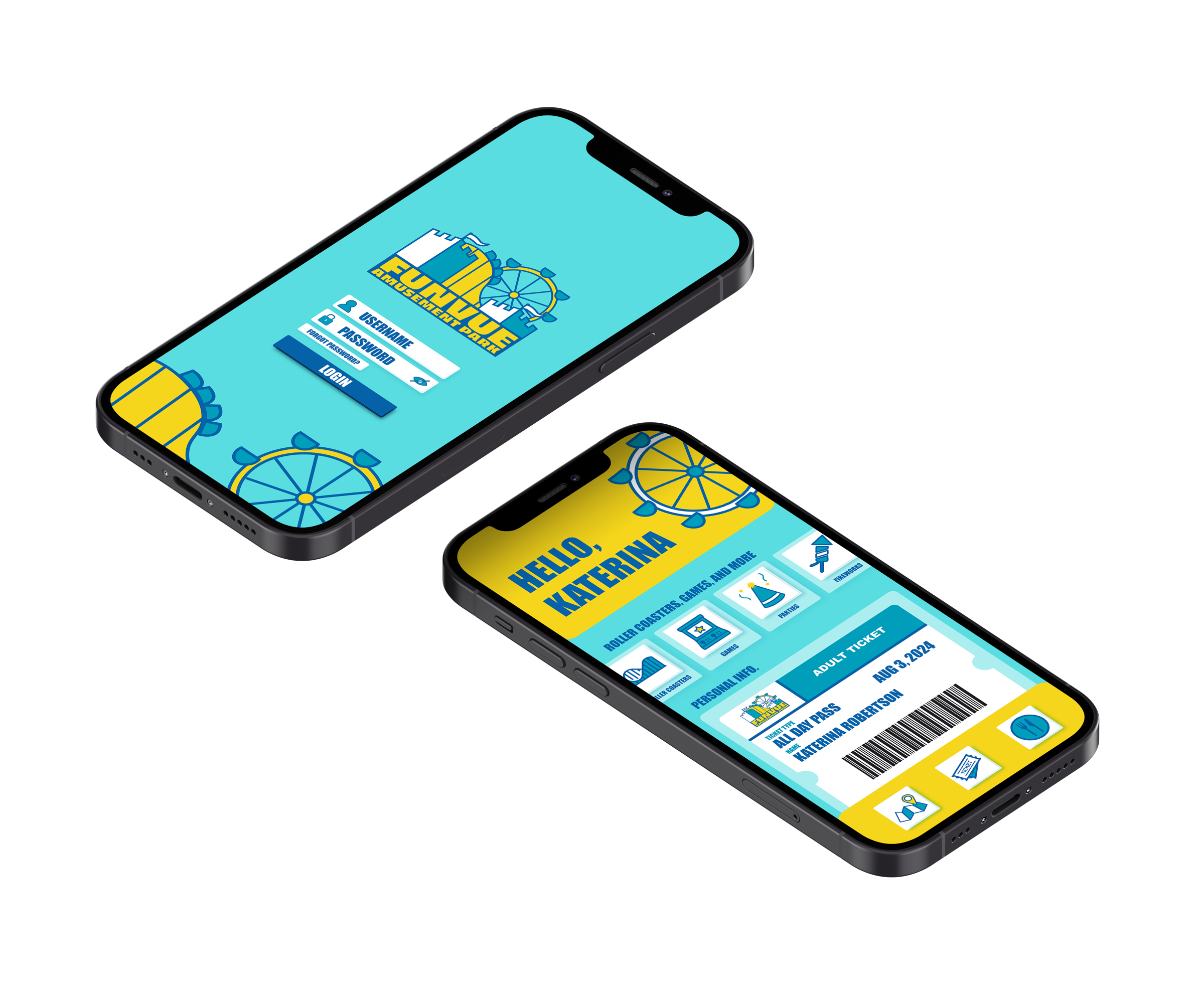
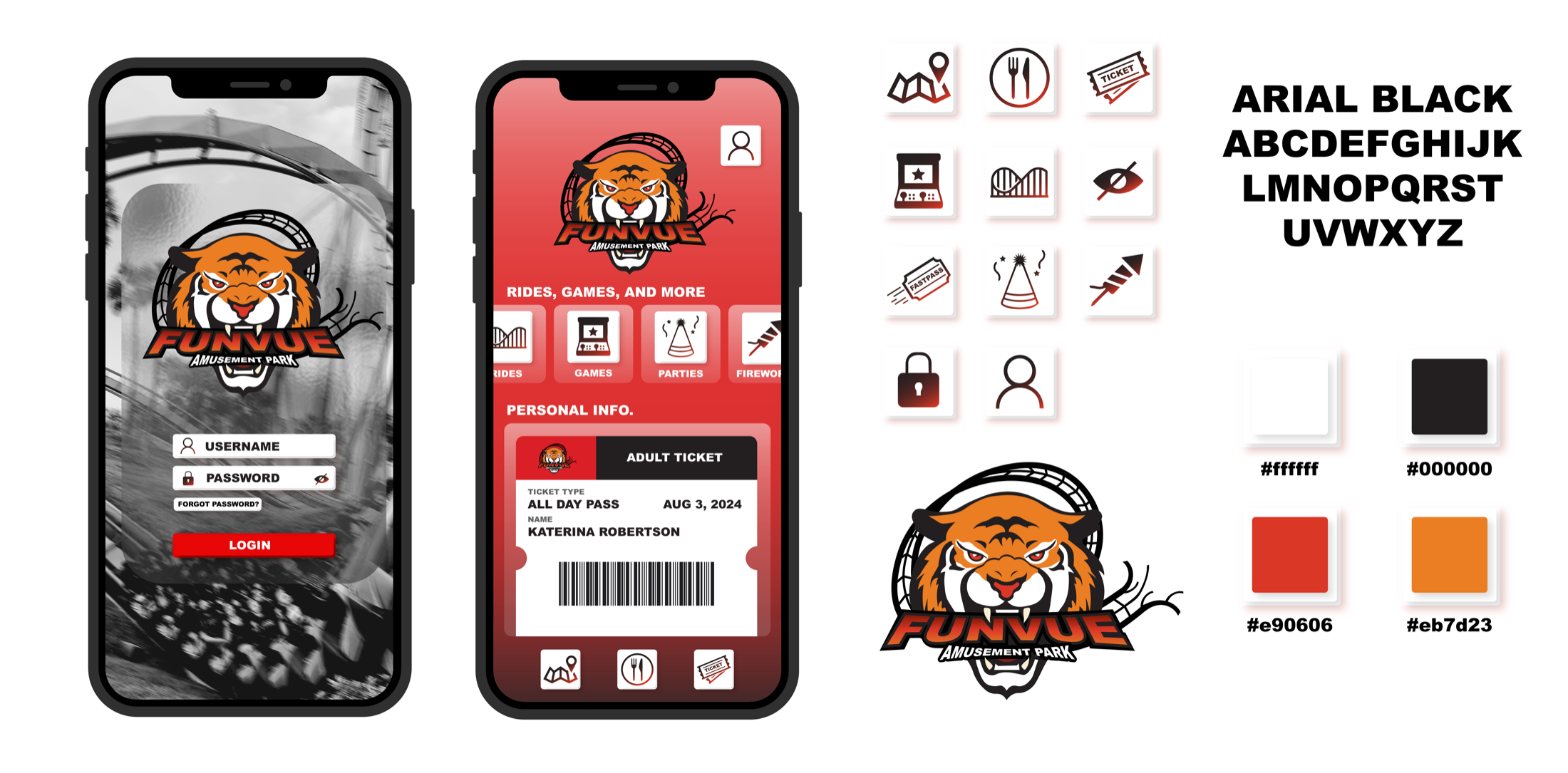
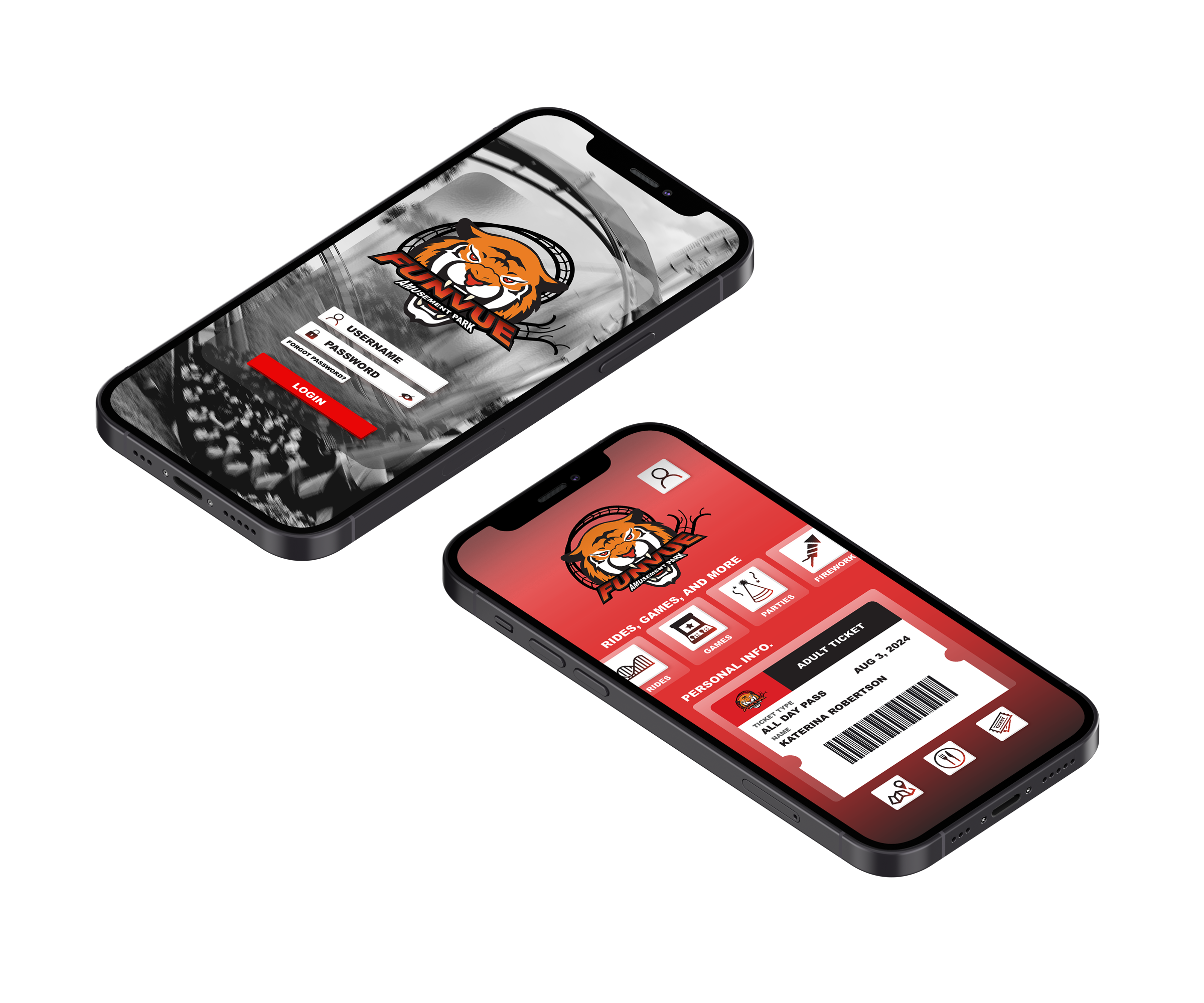
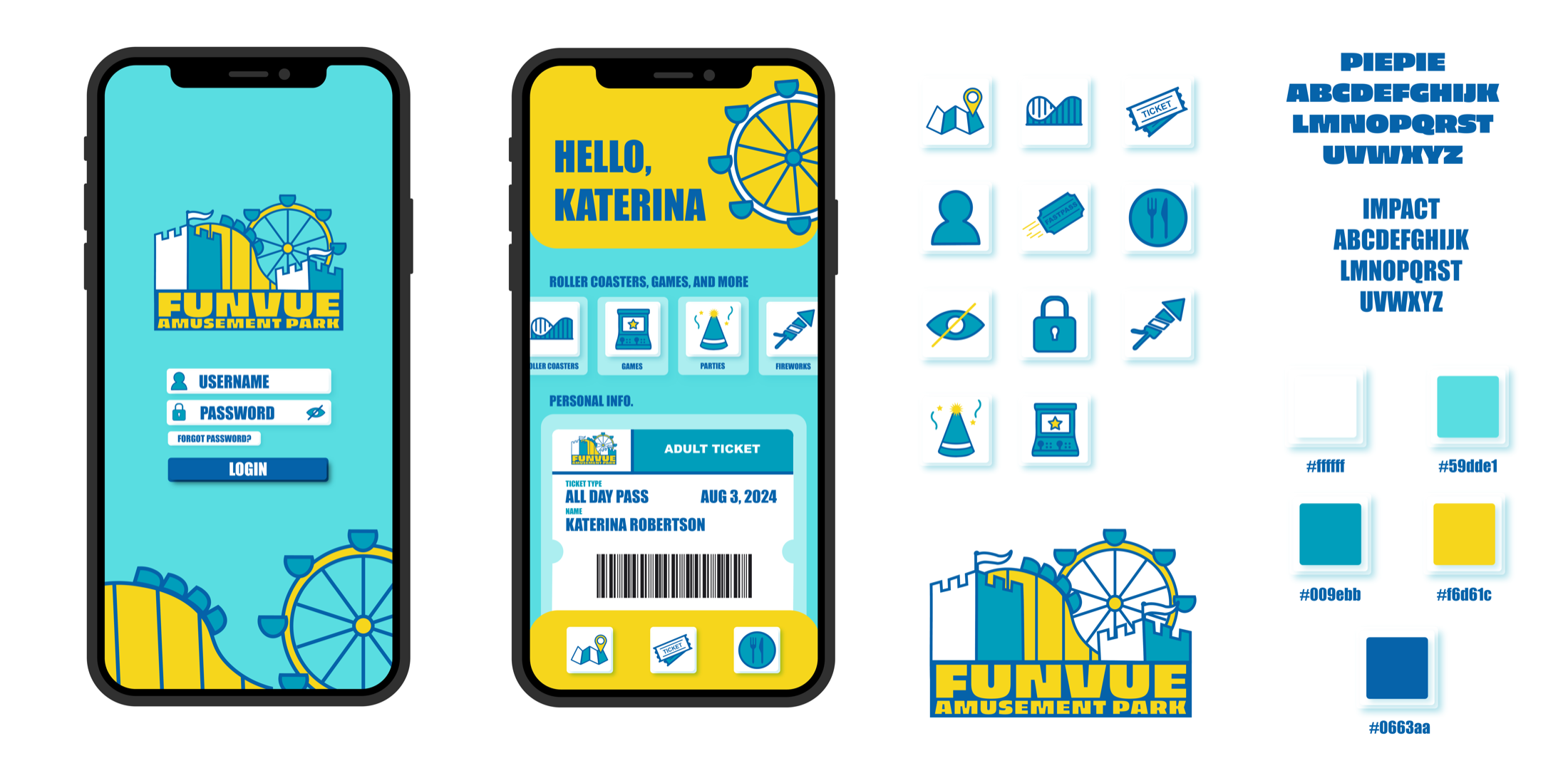
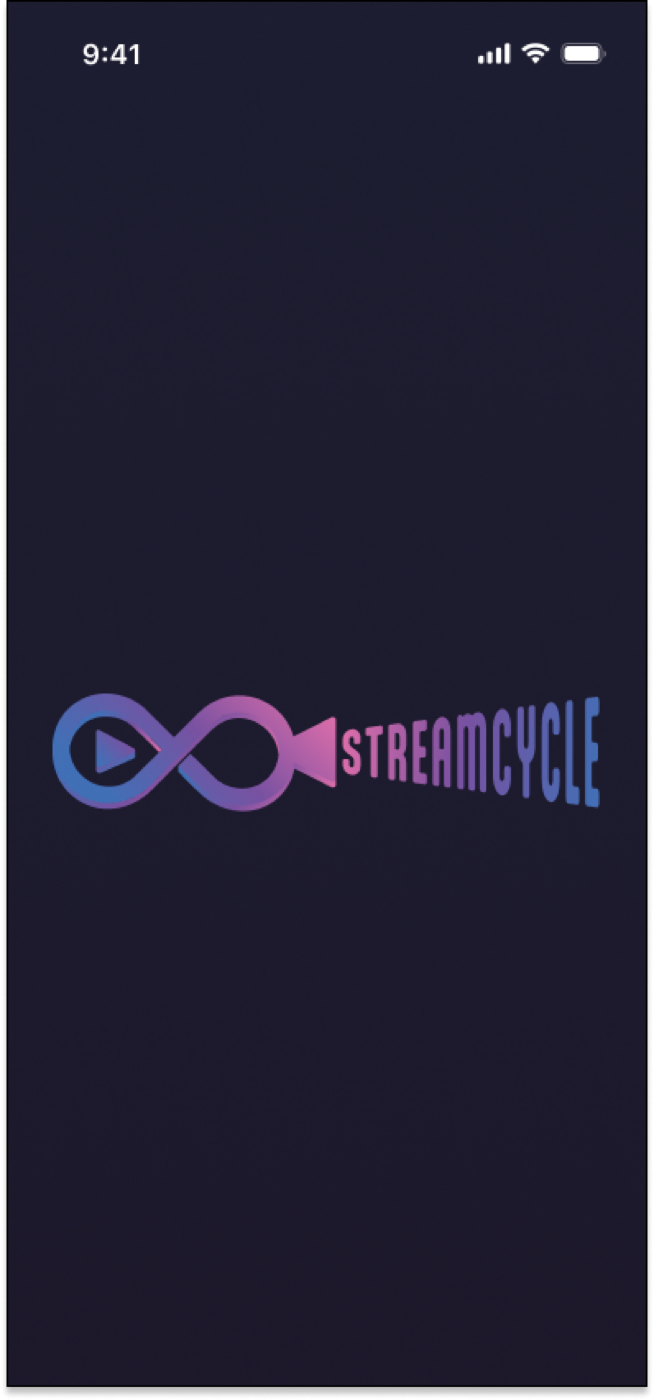
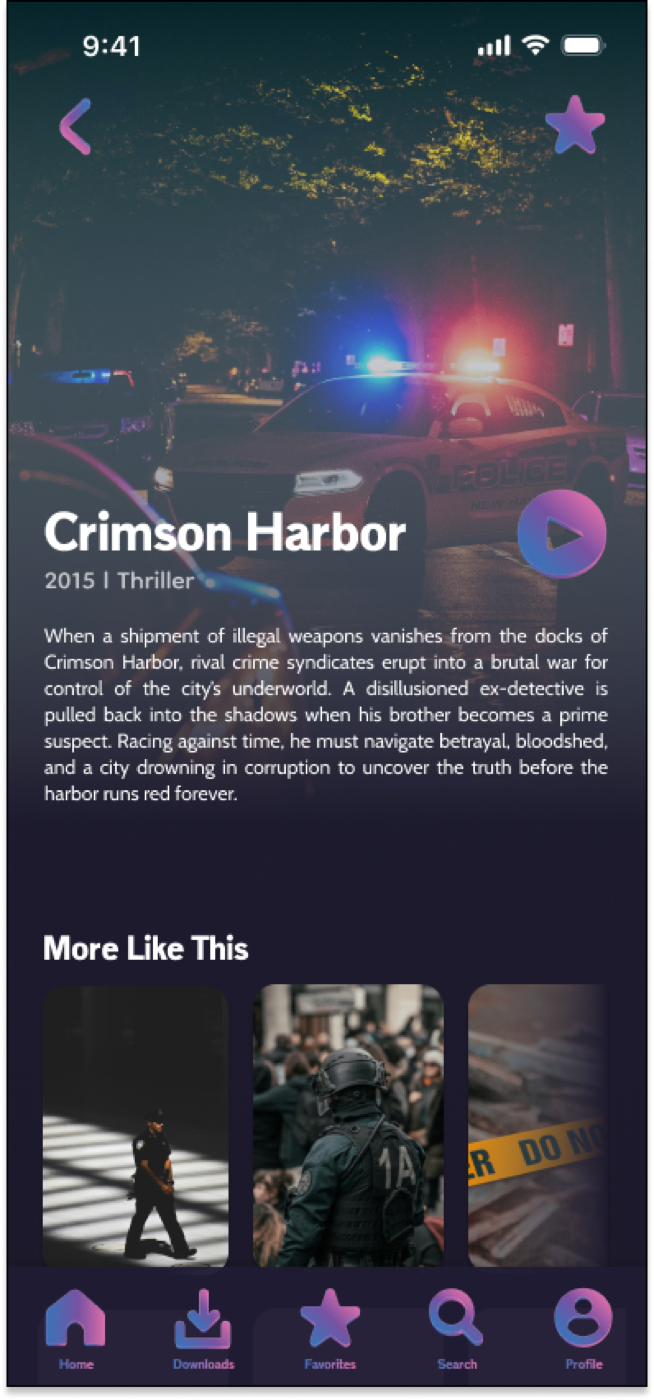
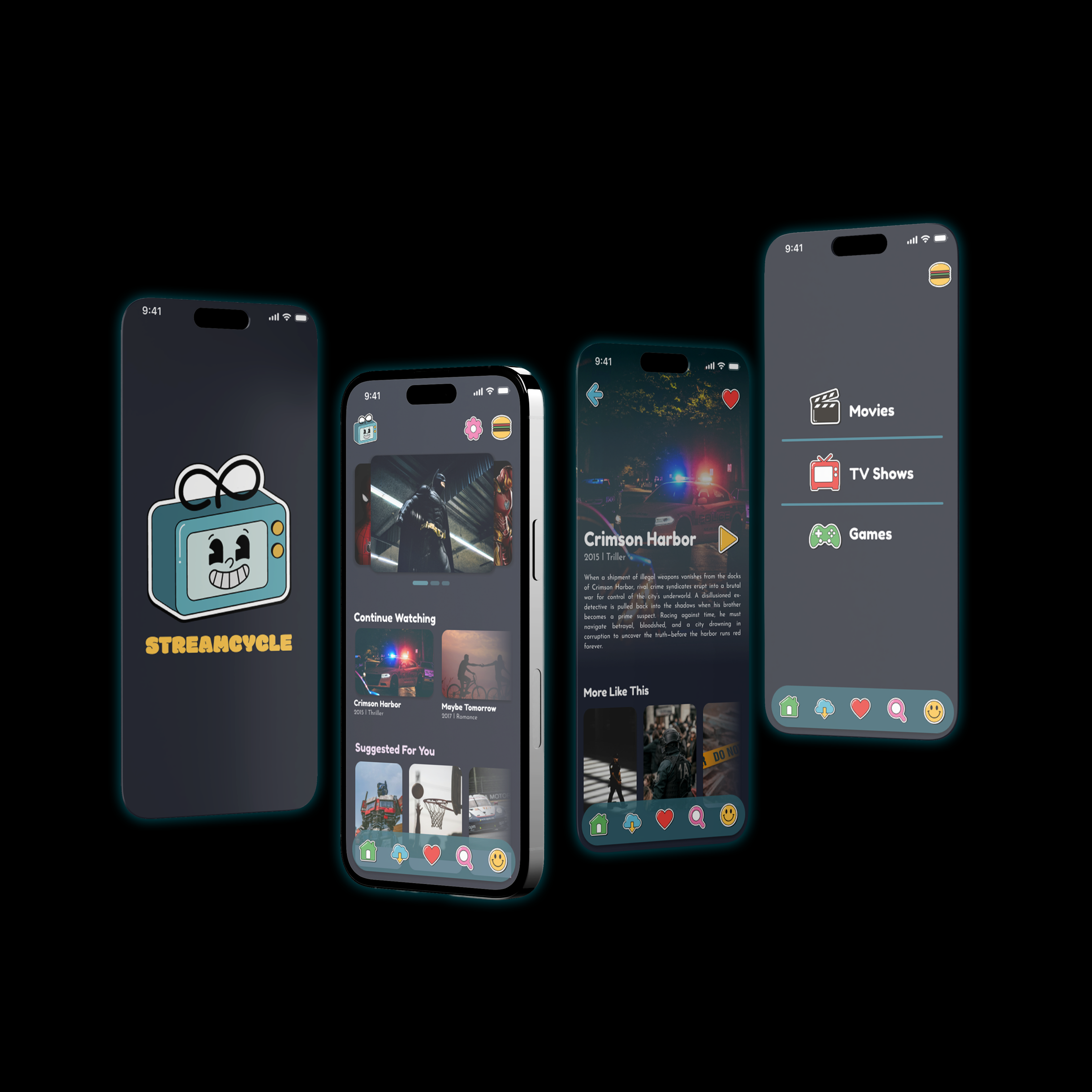
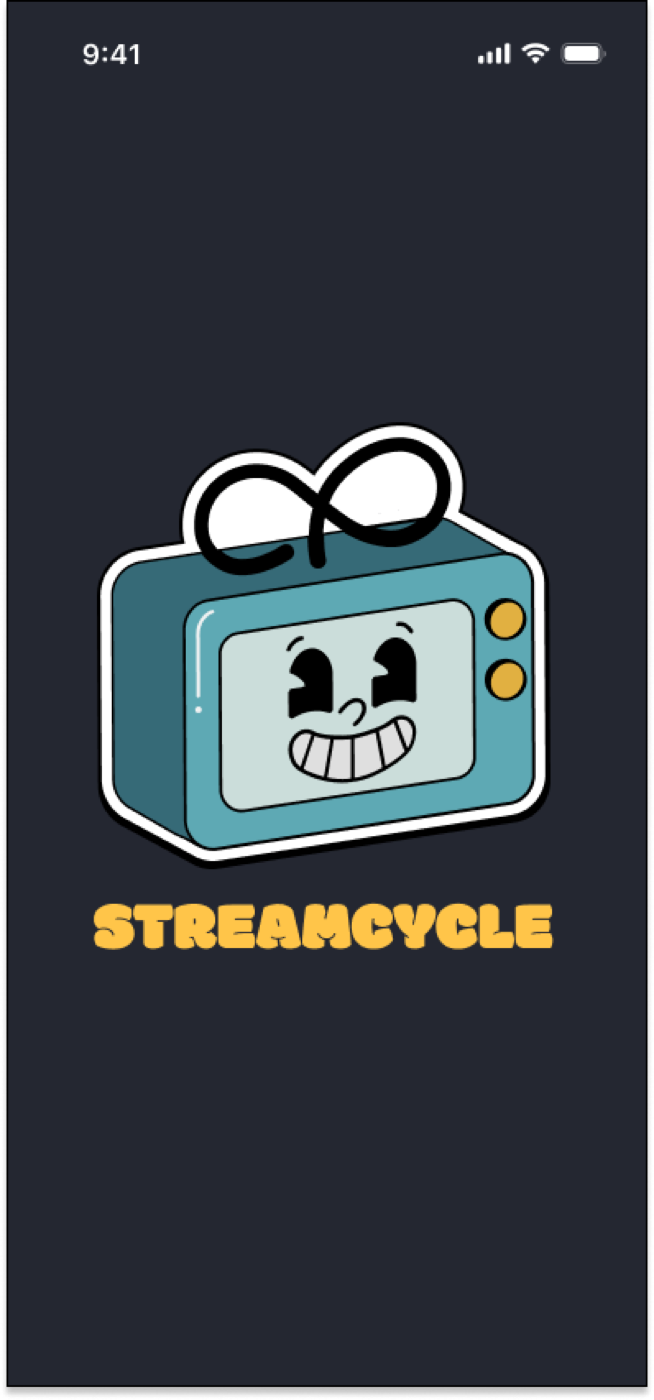
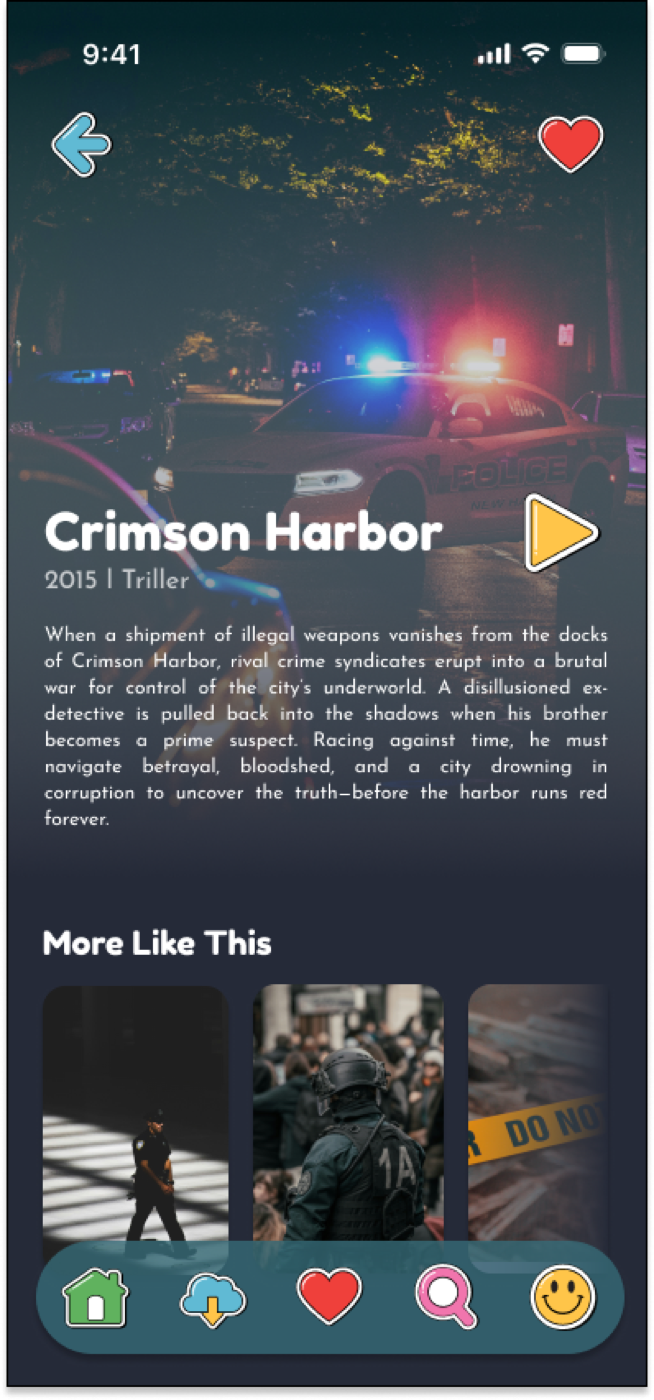
Students create two distinct brand directions for one mobile app business, then build logomarks, icon sets, and screen mockups that show how each identity could function in an interface.
02
Briefs, user flows, prototype
UI/UX Design Challenges
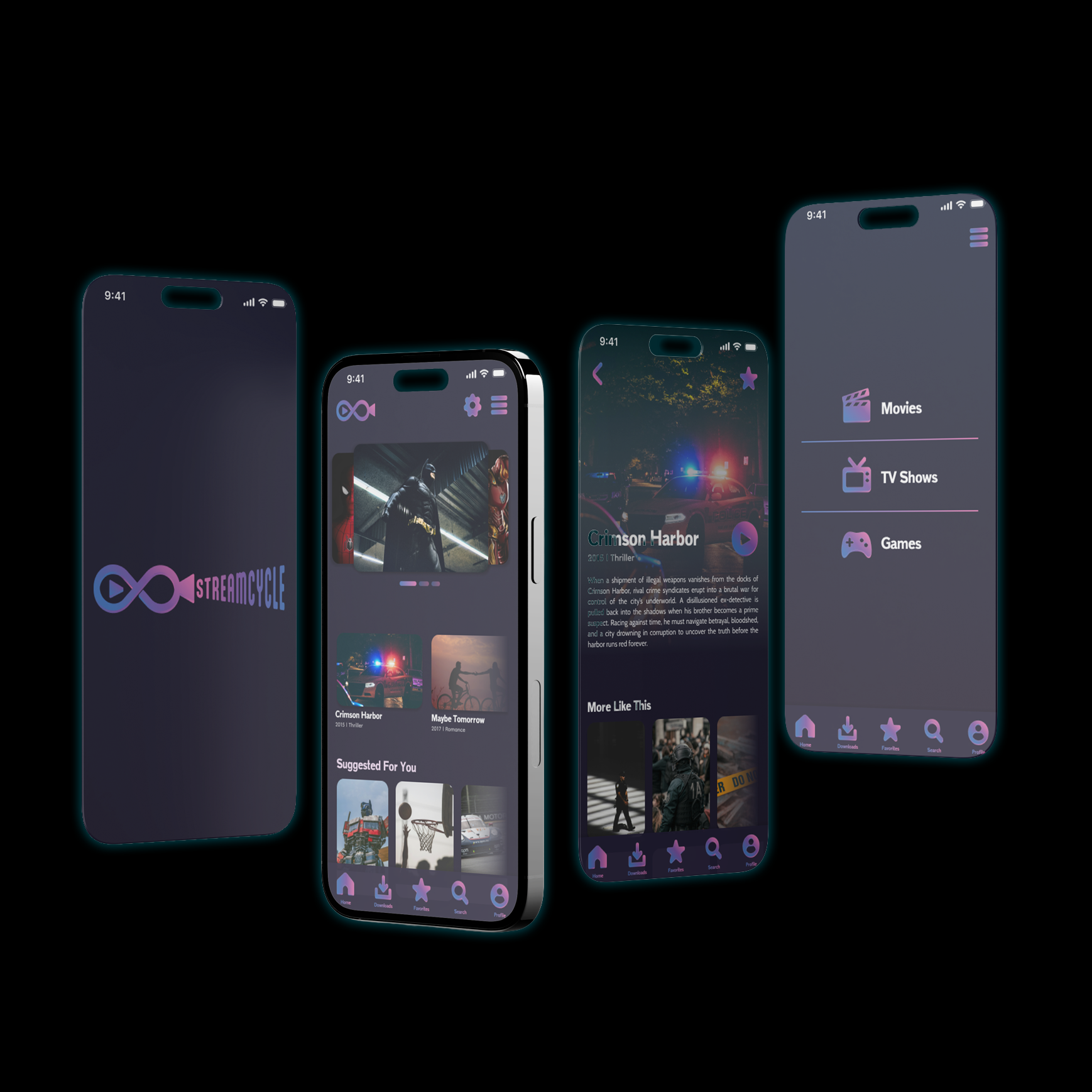
Students choose or write an app brief, develop StyleScapes and a user flow, then build a high-fidelity Figma prototype supported by identity, visual system, and promotional design.
Selected outcomes
03
Data, motion, interactive display
Info Expo
Students design an expo experience with a brand system, motion logo, physical or digital mockup, and an interactive data-driven infographic for a large display.
Selected outcomes
Methods
How prototypes get sharper.
Students work through briefs, research, diagramming, visual exploration, critique, testing, and revision so the final prototype is supported by both concept and use.
Brief to Flow
Projects move from audience framing and research into user flows so structure comes before surface-level screen styling.
Component Thinking
Students are asked to reuse visual decisions across icons, navigation, type, screens, and prototypes so the interface feels coherent.
Critique and Testing
Feedback focuses on what a user can understand, where the interaction breaks down, and how the next revision can make the path clearer.