
The Introduction and Home Screen
Philosophy
A moment in time.
Forever modulating.
Working with Codex, I built a software system around the idea of continually rediscovering our own photographic artwork.
Modulate turns a photograph into a responsive visual experience.
A photograph fixes a moment. Modulate asks what happens when that moment remains open. Sound, gesture, and time become ways of returning to an image, changing its atmosphere, dividing its surface, and discovering how it behaves.
The photograph becomes both a record and an evolving experience. A captured frame or rendered film preserves one arrangement without making it definitive. What does a photograph become when it can be composed, encountered, and performed again?
See it in actionSystems
One image.
Many options.
Compose your atmosphere, introduce sound, and make gestures. Each system offers a different way to work with the same photograph.
- 01 Image
- Begin with a photograph. Adjust its framing, light, color, and surface.
- 02 Affect
- Combine Emotion’s atmosphere with Fragmentation’s divisions and structural movement.
- 03 Music
- Use a track or optional live input to create frequency-sensitive motion around resonance points.
- 04 Interact
- Perform local Pull, Push, and Ripple gestures with a cursor, touch, or pen.
- 05 Sequence
- Arrange photographic scenes over time, with cuts, crossfades, and a shared soundtrack.
- 06 Video output
- Render a sequence as an MP4, or use Capture to preserve a still.
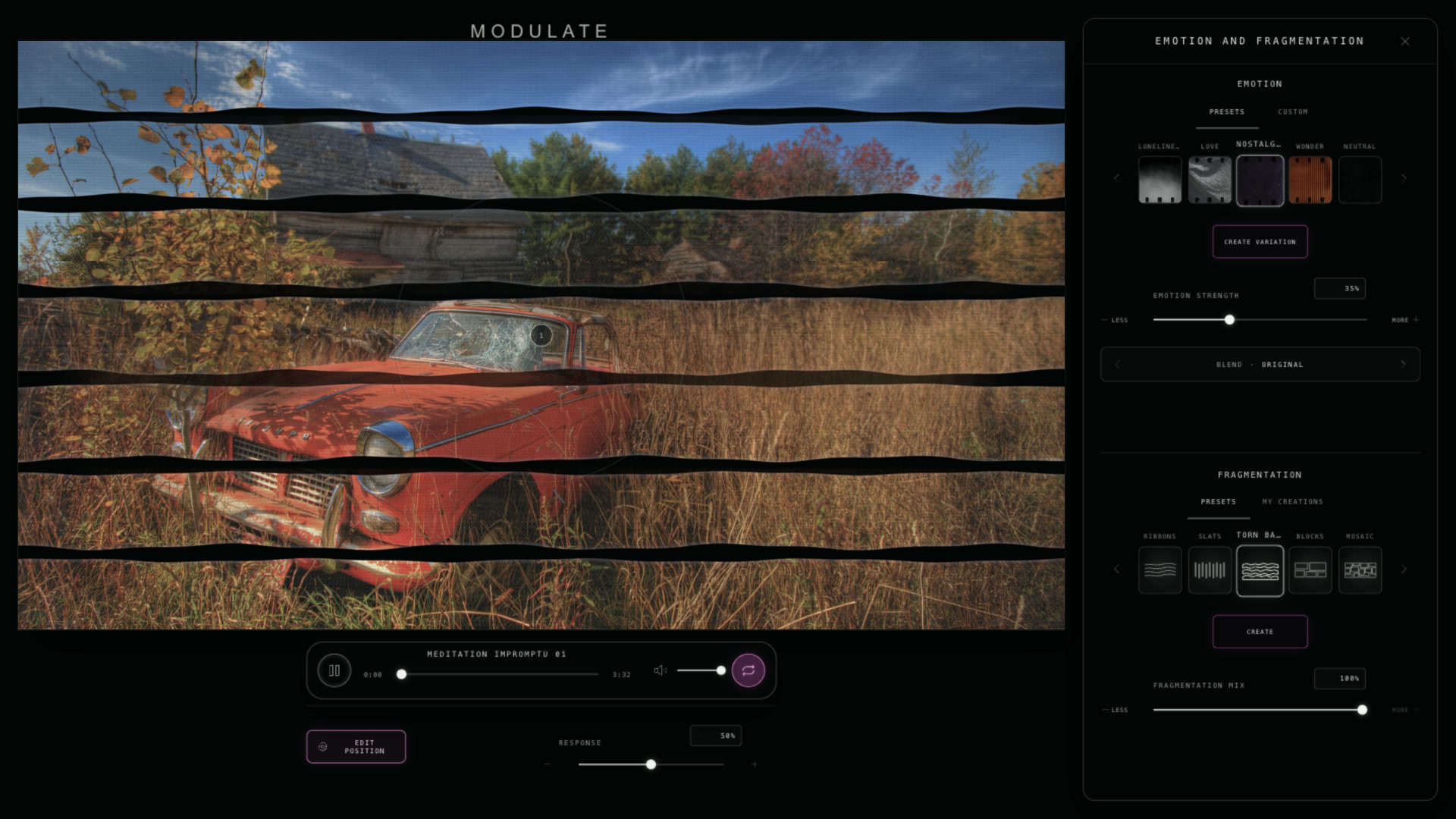
Transformation
Before and After

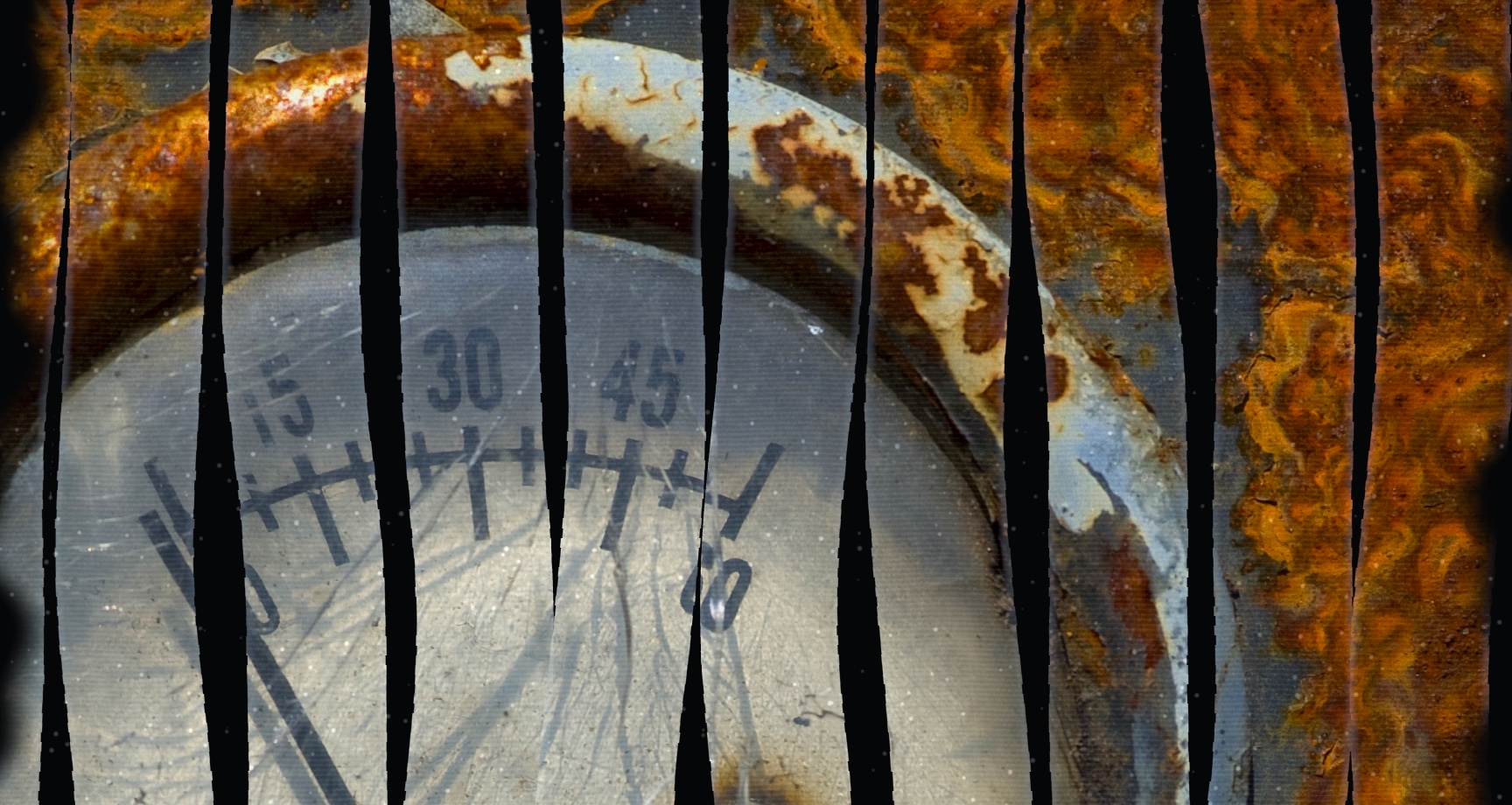
Artwork
Artwork made in Modulate.
Interaction
Pull. Push. Ripple.
On desktop, use your cursor to pull, push, and ripple the photograph. On iPad, use up to three fingers to shape different areas at the same time.
Sequence
Tell a story
with your photos.
Sequence brings separate scenes into one progression. Duration, transition, and sound become your decisions.
Compose, edit,
save, and render.
Each scene holds its own photographic state, with a shared timeline bringing them together. Export your piece as an MP4 to take it with you, whether you’re sharing it on YouTube or creating a music video.
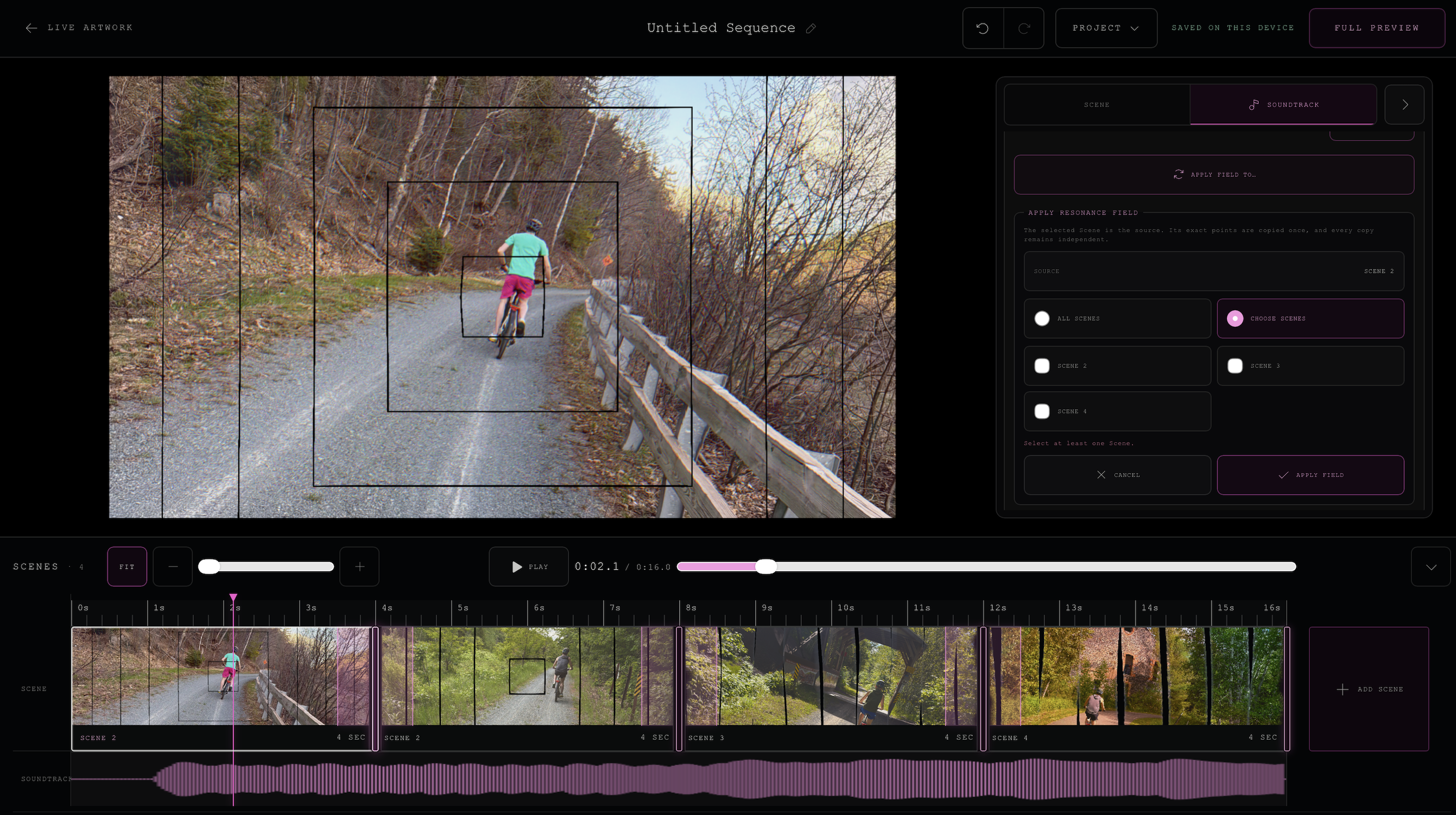
Create an atmosphere.
Education
Why I made
Modulate.
Modulate grew from Fragmentation, a photographic series I began in 2023. With Codex, I brought that idea into software while retaining control over its interface, behavior, and artistic direction. It gives artists another way to create with their own photographs.
The process has opened possibilities I am still grappling with as a designer and educator. It is shaping how I think about teaching interface and experience design, and how we can use AI tools while preserving creative judgment and authorship.
Explore my teachingCredits, accessibility, and responsible presentation
Art and development
Concept, artistic direction, source photography, interface design, and development direction: Tom Adolphs. Coding, testing, documentation, and language-development support: Codex.
Built with React, Three.js/WebGL, and Web Audio.
Displayed artworks and workspace recordings are actual Modulate outputs. The concert concept combines an AI-generated venue image with actual Modulate artwork; it is not documentation of a built installation.
Music
The biking sequence uses “Falling Sky” by Jason Shaw / Audionautix, licensed under CC BY 4.0. Excerpt 0:00–0:16, synchronized with visuals.
The concert concept uses “Deep and Dirty” by Kevin MacLeod / Incompetech, licensed under CC BY 4.0. 18-second excerpt, synchronized with visuals.
The narrated tutorial includes an excerpt of “Meditation Impromptu 01” by Kevin MacLeod, licensed under CC BY 4.0, mixed beneath the narration.
“Floating Cities” and “Chill Wave” by Kevin MacLeod, licensed under CC BY 4.0. Used in short, web-compressed audiovisual excerpts.
The introduction
The introduction combines photographic, mechanical, and electronic sounds. The full introduction recording is presented with its original sound and timing.
Sound sources: cabled_mess, sophiehall3535, Sheyvan, JonnyThePonny, Flying_Deer_Fx, and JovianSounds under CC0; projector sound from BigSoundBank under its source license.
Studio Notebook
An original laptop presentation model built in Blender for Modulate, with Tom Adolphs’s Modulate mark. Modeling and integration were developed with Codex under Tom’s creative direction.
Access and motion
Sound starts only after an explicit Play action. Reduced-motion and compact layouts skip the scroll-driven opening. A standard video player is available above and is also used if the 3D presentation cannot load.
The introduction has basic sound-description captions. The narrated tutorial includes automatically generated English captions. The separate musical excerpts have no spoken dialogue. Their accompanying descriptions identify the visual studies and soundtracks.
Participant privacy
In the interactive application, photographic and audio processing takes place in the browser. Live audio input is optional. This portfolio does not request microphone access or accept uploaded media.